
第1页 / 共2页
试读已结束,还剩1页,您可下载完整版后进行离线阅读
THE END
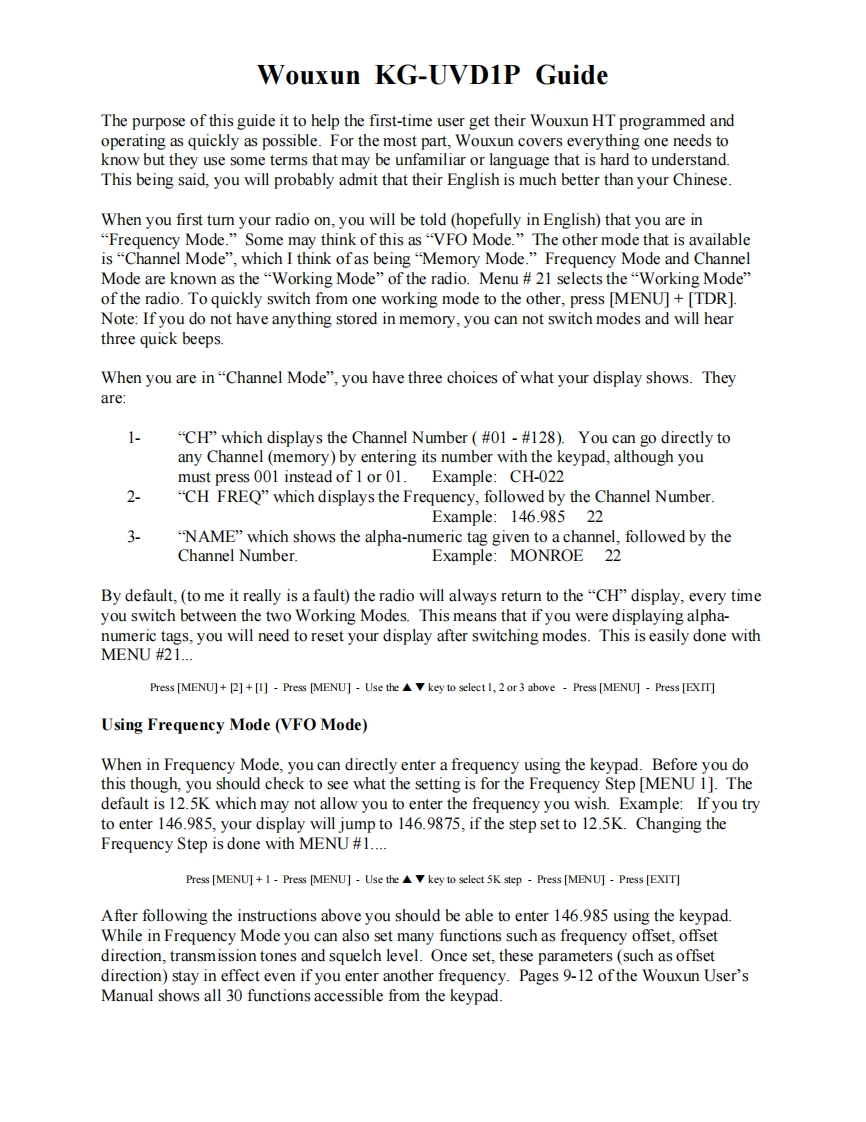
Wouxun KG-UVDIP GuideThe purpose of this guide it to help the first-time user get their Wouxun HT programmed andoperating as quickly as possible.For the most part,Wouxun covers everything one needs toknow but they use some terms that may be unfamiliar or language that is hard to understand.This being said,you will probably admit that their English is much better than your ChineseWhen you first tumn your radio on,you will be told (hopefully in English)that you are in"Frequency Mode."Some may think of this as"VFO Mode."The other mode that is availableis"Channel Mode",which I think ofas being"Memory Mode."Frequency Mode and ChannelMode are known as the "Working Mode"of the radio.Menu 21 selects the "Working Mode"of the radio.To quickly switch from one working mode to the other,press [MENU]+[TDR].Note:If you do not have anything stored in memory,you can not switch modes and will hearthree quick beeps.When you are in"Channel Mode",you have three choices of what your display shows.Theyare:1-"CH"which displays the Channel Number (#01-#128).You can go directly toany Channel (memory)by entering its number with the keypad,although youmust press 001 instead of 1 or 01.Example:CH-0222-"CH FREQ"which displays the Frequency,followed by the Channel NumberExample:146.985 223-"NAME"which shows the alpha-numeric tag given to a channel,followed by theChannel Number.Example:MONROE 22By default,(to me it really is a fault)the radio will always return to the "CH"display,every timeyou switch between the two Working Modes.This means that if you were displaying alpha-numeric tags,you will need to reset your display after switching modes.This is easily done withMENU #21...Press [MENU]+[2]+[1]Press [MENU]Use the key to select 1,2 or 3 above Press [MENU]Press [EXIT]Using Frequency Mode (VFO Mode)When in Frequency Mode,you can directly enter a frequency using the keypad.Before you dothis though,you should check to see what the setting is for the Frequency Step [MENU 1].Thedefault is 12.5K which may not allow you to enter the frequency you wish.Example:If you tryto enter 146.985,your display will jump to 146.9875,if the step set to 12.5K.Changing theFrequency Step is done with MENU #1....Press [MENU]+1-Press [MENU]Use the key to select 5K step Press [MENU]Press [EXIT]After following the instructions above you should be able to enter 146.985 using the keypad.While in Frequency Mode you can also set many functions such as frequency offset,offsetdirection,transmission tones and squelch level.Once set,these parameters(such as offsetdirection)stay in effect even if you enter another frequency.Pages 9-12 of the Wouxun User'sManual shows all 30 functions accessible from the keypad.


请登录后查看评论内容