
第1页 / 共3页
试读已结束,还剩2页,您可下载完整版后进行离线阅读
THE END
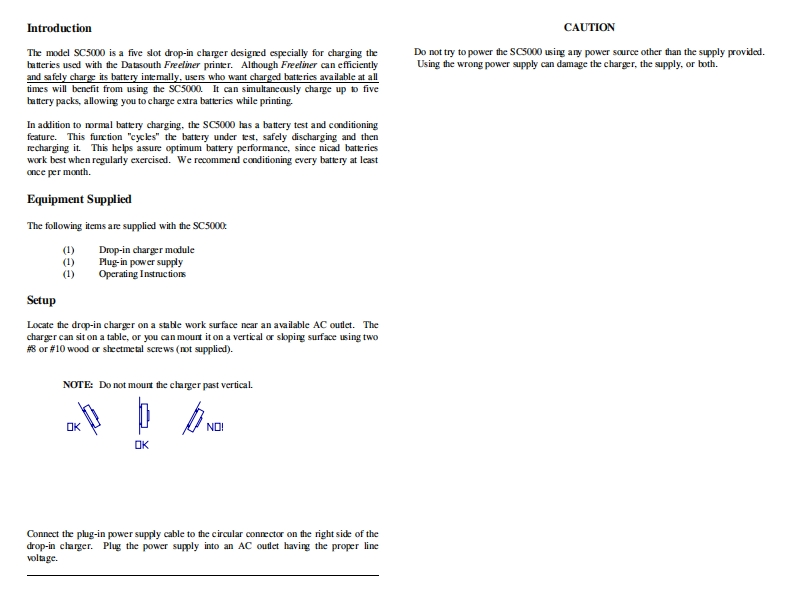
IntroductionCAUTIONThe model SC5000 is a five slot drop-in charger designed especially for charging theDo not try to power the SC5000 using any power source other than the supply provided.batterics used with the Datasouth Freeliner printer.Although Freeliner can efficientlyUsing the wrong power supply can damage the charger,the supply.or both.and safely charge its battery intemally.users who want charged batteres available at alltimes will benefit from using the SC5000.It can simultaneously charge up to fivebattery packs,allowing you to charge extra batteries while printing.In addition to normal battery charging.the SC5000 has a battery test and conditioningfeature.This function "cycls"the battery under test,safely discharging and thenrecharging it.This helps assure optimum battery performance,since nicad batterieswork best when regularly exercised.We reoommend conditioning every battery at leastonce per month.Equipment SuppliedThe following items are supplied with the SC5000(1)Drop-in charger module(1)Plug-in power supply1)Operating InstructionsSetupLocate the drop-in charger on a stabe work surface near an available AC outlet.Thecharger can sit on a table,or you can mount it on a vertical or slping surface using two#8or #10 wood or sheetmetal screws (not supplied).NOTE:Do not mourt the charger past vertical.OKConnect the plug-in power supply cable to the circular connector on the right side of thedrop-in charger.Plug the power supply into an AC outlet having the proper lineol由ge.


请登录后查看评论内容