
第1页 / 共3页
试读已结束,还剩2页,您可下载完整版后进行离线阅读
THE END
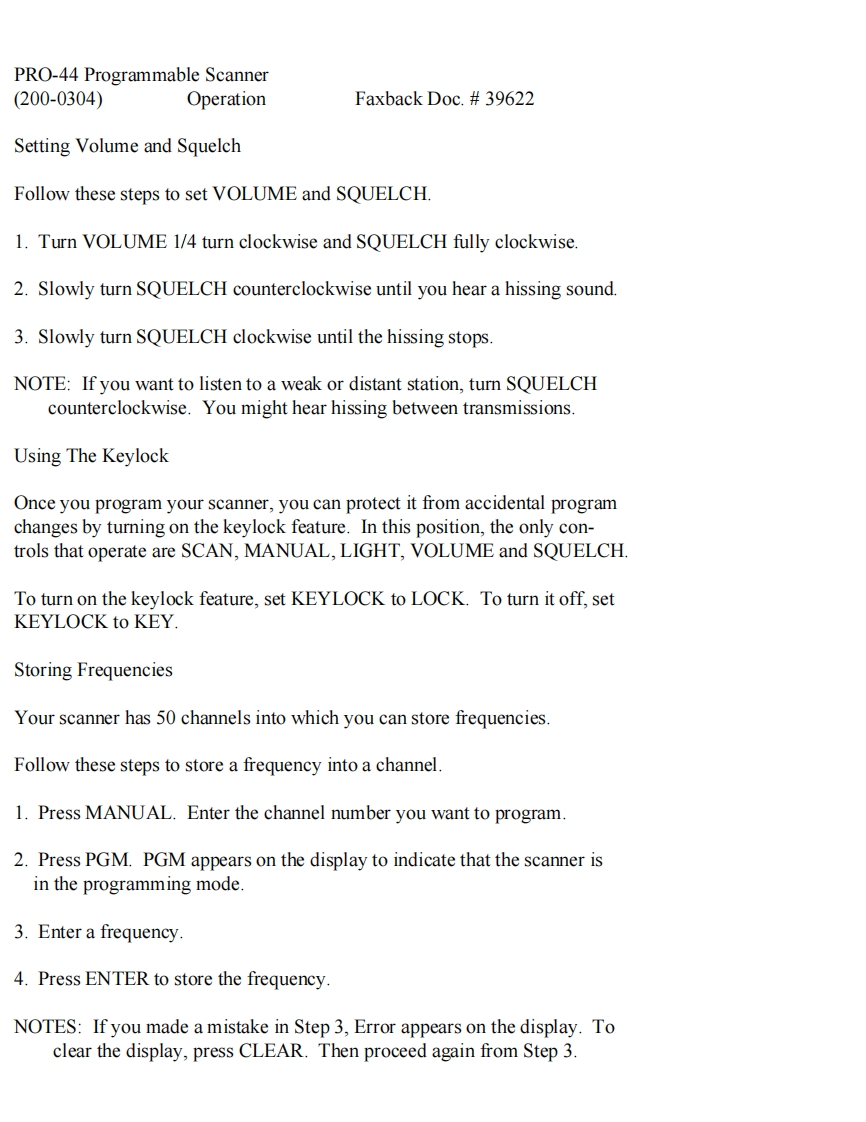
PRO-44 Programmable Scanner(200-0304)OperationFaxback Doc.39622Setting Volume and SquelchFollow these steps to set VOLUME and SQUELCH.1.Turn VOLUME 1/4 turn clockwise and SQUELCH fully clockwise.2.Slowly turn SQUELCH counterclockwise until you hear a hissing sound.3.Slowly turn SQUELCH clockwise until the hissing stops.NOTE:If you want to listen to a weak or distant station,turn SQUELCHcounterclockwise.You might hear hissing between transmissions.Using The KeylockOnce you program your scanner,you can protect it from accidental programchanges by turning on the keylock feature.In this position,the only con-trols that operate are SCAN,MANUAL,LIGHT,VOLUME and SQUELCH.To turn on the keylock feature,set KEYLOCK to LOCK.To turn it off,setKEYLOCK to KEY.Storing FrequenciesYour scanner has 50 channels into which you can store frequencies.Follow these steps to store a frequency into a channel.1.Press MANUAL.Enter the channel number you want to program.2.Press PGM.PGM appears on the display to indicate that the scanner isin the programming mode.3.Enter a frequency4.Press ENTER to store the frequency.NOTES:If you made a mistake in Step 3,Error appears on the display.Toclear the display,press CLEAR.Then proceed again from Step 3.


请登录后查看评论内容