
第1页 / 共2页
试读已结束,还剩1页,您可下载完整版后进行离线阅读
THE END
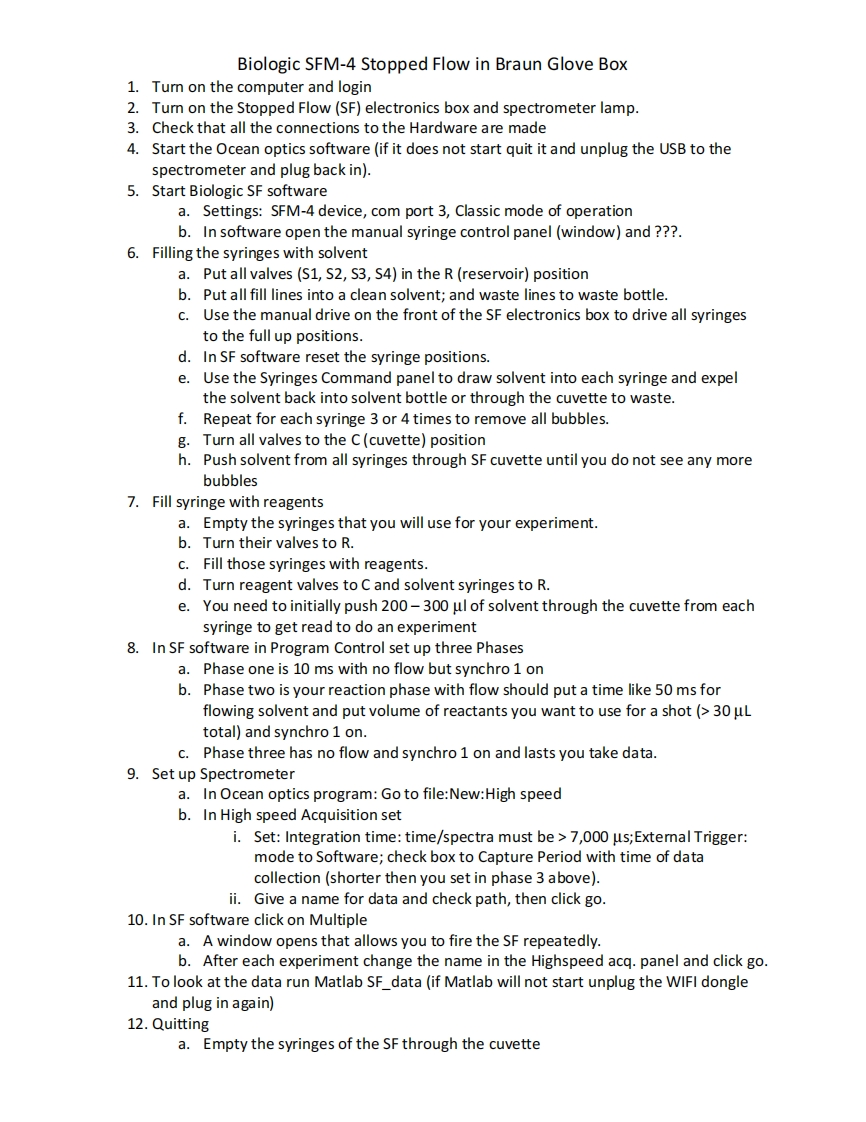
Biologic SFM-4 Stopped Flow in Braun Glove Box1.Turn on the computer and login2.Tum on the Stopped Flow(SF)electronics box and spectrometer lamp.3.Check that all the connections to the Hardware are made4.Start the Ocean optics software (if it does not start quit it and unplug the USB to thespectrometer and plug back in).5.Start Biologic SF softwarea.Settings:SFM-4 device,com port 3,Classic mode of operationb.In software open the manual syringe control panel(window)and ???6.Filling the syringes with solventa.Put all valves(S1,S2,S3,S4)in the R(reservoir)positionb.Put all fill lines into a clean solvent;and waste lines to waste bottle.c.Use the manual drive on the front of the SF electronics box to drive all syringesto the full up positions.d.In SF software reset the syringe positions.e.Use the Syringes Command panel to draw solvent into each syringe and expelthe solvent back into solvent bottle or through the cuvette to waste.f.Repeat for each syringe 3 or 4 times to remove all bubbles.g.Turn all valves to the C(cuvette)positionh.Push solvent from all syringes through SF cuvette until you do not see any morebubbles7.Fill syringe with reagentsa.Empty the syringes that you will use for your experiment.b.Turn their valves to R.c.Fill those syringes with reagents.d.Turn reagent valves to C and solvent syringes to R.e.You need to initially push 200-300 ul of solvent through the cuvette from eachsyringe to get read to do an experiment8.In SF software in Program Control set up three Phasesa.Phase one is 10 ms with no flow but synchro 1 onb.Phase two is your reaction phase with flow should put a time like 50 ms forflowing solvent and put volume of reactants you want to use for a shot (30 uLtotal)and synchro 1 on.c.Phase three has no flow and synchro 1 on and lasts you take data.9.Set up Spectrometera.In Ocean optics program:Go to file:New:High speedb.In High speed Acquisition seti.Set:Integration time:time/spectra must be 7,000 us;Extemal Trigger:mode to Software;check box to Capture Period with time of datacollection (shorter then you set in phase 3 above).ii.Give a name for data and check path,then click go.10.In SF software click on Multiplea.A window opens that allows you to fire the SF repeatedly.b.After each experiment change the name in the Highspeed acq.panel and click go.11.To look at the data run Matlab SF data (if Matlab will not start unplug the WIFI dongleand plug in again)12.Quittinga.Empty the syringes of the SF through the cuvette


请登录后查看评论内容