
第1页 / 共40页
第2页 / 共40页
试读已结束,还剩38页,您可下载完整版后进行离线阅读
THE END
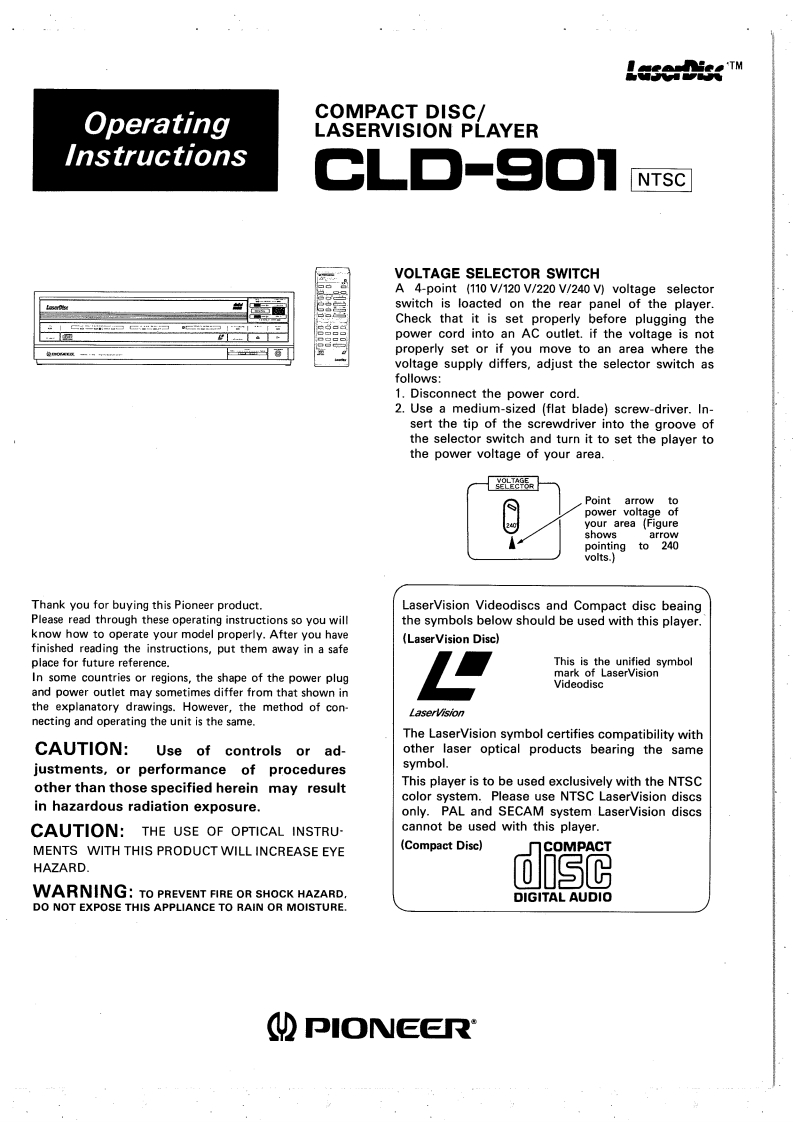
LaserDissTMOperatingCOMPACT DISC/LASERVISION PLAYERInstructionsCLD-9OTNTSCVOLTAGE SELECTOR SWITCHA 4-point (110 V/120 V/220 V/240 V)voltage selectorswitch is loacted on the rear panel of the playerCheck that it is set properly before plugging thepower cord into an Ac outlet.if the voltage is notproperly set or if you move to an area where thevoltage supply differs,adjust the selector switch asfollows:1.Disconnect the power cord.2.Use a medium-sized (flat blade)screw-driver.In-sert the tip of the screwdriver into the groove ofthe selector switch and turn it to set the player tothe power voltage of your area.0E95RPoint arrow topower voltage ofyour area (Figureshowsarrowpointing to 240volts.)Thank you for buying this Pioneer product.LaserVision Videodiscs and Compact disc beaingPlease read through these operating instructions so you willthe symbols below should be used with this player.know how to operate your model properly.After you have(LaserVision Disc)finished reading the instructions,put them away in a safeplace for future reference.This is the unified symbolIn some countries or regions,the shape of the power plugmark of LaserVisionVideodiscand power outlet may sometimes differ from that shown inthe explanatory drawings.However,the method of con-LaserVisionnecting and operating the unit is the same.The LaserVision symbol certifies compatibility withCAUTION:Use of controls or ad-other laser optical products bearing the samejustments,or performance of proceduressymbol.other than those specified herein may resultThis player is to be used exclusively with the NTSCcolor system.Please use NTSC LaserVision discsin hazardous radiation exposure.only.PAL and SECAM system LaserVision discsCAUTION:THE USE OF OPTICAL INSTRU-cannot be used with this player.MENTS WITH THIS PRODUCT WILL INCREASE EYE(Compact Dise)HAZARDdWARNING:TO PREVENT FIRE OR SHOCK HAZARD.DIGITAL AUDIODO NOT EXPOSE THIS APPLIANCE TO RAIN OR MOISTURE.PIONEER



请登录后查看评论内容