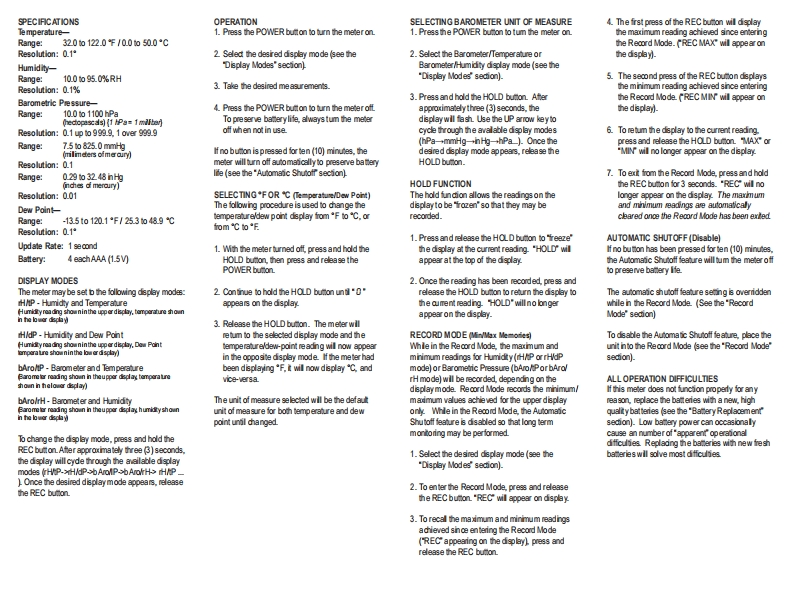
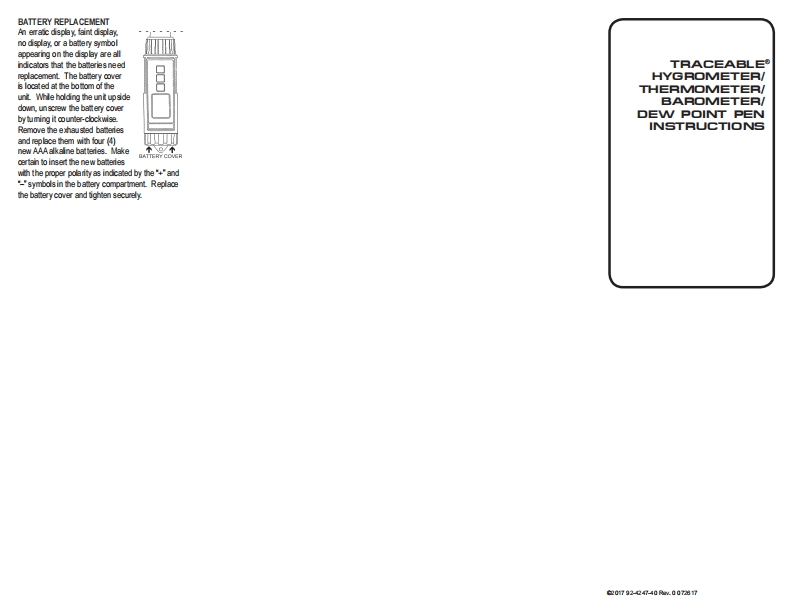
SPECIFCATIONSOPERATIONSELECTING BAROMETER UNIT OF MEASURE4.The frst press of the REC bution will displayTe mperature-1.Press the POWER button to turn the meteron1.Press the POWER buton to tum the meter onthe maximum reading achieved since enteringRange:3200122.0℉/0.0050.0Cthe Record Mode.REC MAX"wil appear onResolution:0.12 Seled the desired display mode see the2.Select the Barometer/Temperanure ortads自Humidity-Dsplay Modes"sectionlBarometer/Humidty display mode (see theRange:100o950%RH"Display Modes'secion).5.The second press of the REC bumon dsplaysResolution:01%3.Take the desired measurementsthe minimum reading achieved snce entering3.Press and hold the HOLD bumon.AferBarometric Pessure-the Record Mode REC MIN will appear on10.001100hPa4.Press the POWER buton to turn the meter oftRange:approximatelythree(3)seconds,thehe dsplayl.hecopascas)(1 Pa=1mifberTo pre serve baterylite,always tum the meterdisplaywill fash.Use the UP arrow key toResolution:Q1upto99的9.10a9g的9off when not in usecycle through the avalable display modes6.To retum the dsplay to the current reading.Range:7.5 to 825.0 mmHgPa→mmHg→hHy-hPa小0 nce thepress and release the HOLD bution."MAX"or(mlmeters ofmer cury)I no bumon is pressed for ten(10)minutes,thedesired dsplay mo的appears,re生ase the"MIN wil no longer appear on the displayResolution:0.1meter will bum off automancally to preserve ba teryHOLD bucon.Range:029o3248hH均lie (see the"Auomaic Shutotr section)7.To ext from the Record Mode,press and hold(nchies d merauryHOLD FUNCTIONhe REC bumon for 3 seconds.'REC will noResolution:001SELECTING*F OR C (Temperature/Dew Point)The hold fundion allows the readingson thelonger appear on the display The maximumDew PointThe following procedure is used to dhange thedsplay to be "trozen'so that they may beand mhimum sesoings are automaticalyrecorded.cleared onoe the Record Mode has been extedRange:-135101201F/2530489℃emperaureldew point display fomF to℃,aResolution:0.1*om℃oE1.Press and release the HOLD bution to 'freeze"AUTOMATIC SHUTOFF(Disable)Update Rate:1 second1.With the meter tumned oft,press and hold thethe display at the current reading."HOLD willl no bution has been pressed for ten(10)minutes,Battery:4 eachAAA(1.5V)HOLD bution,then press and release theappear at the top of the displaythe Automaic Shutoff feaure will tum the meter offPOWER bumono preserve bamery lfeDISPLAY MODES2.Once the reading has been recorded,press andThe meter may be set b the following dsplay modes2.Continue to hold the HOLD bution untl*0*release the HOLD bumon to retumn the display toThe aufomaic shutoff feature seting is overriddenH/P-Humidty and Temperaureappears on the displaythe aument reading.HOLD*will no longerwhile n the Record Mode.(See the'RecordHur性yroading shouninthe upperd化山y.temporature shounappearon the display.Mode*secion)in he lwcr由增3.Release the HOLD bucon.The meter wllHAdP -Humidty and Dew Pontetun to the sel电cted display mod由and theRECORD MODE (Min/Max Memories)To dsable the Automatic Shutotf f


请登录后查看评论内容