
第1页 / 共8页
第2页 / 共8页
试读已结束,还剩6页,您可下载完整版后进行离线阅读
THE END
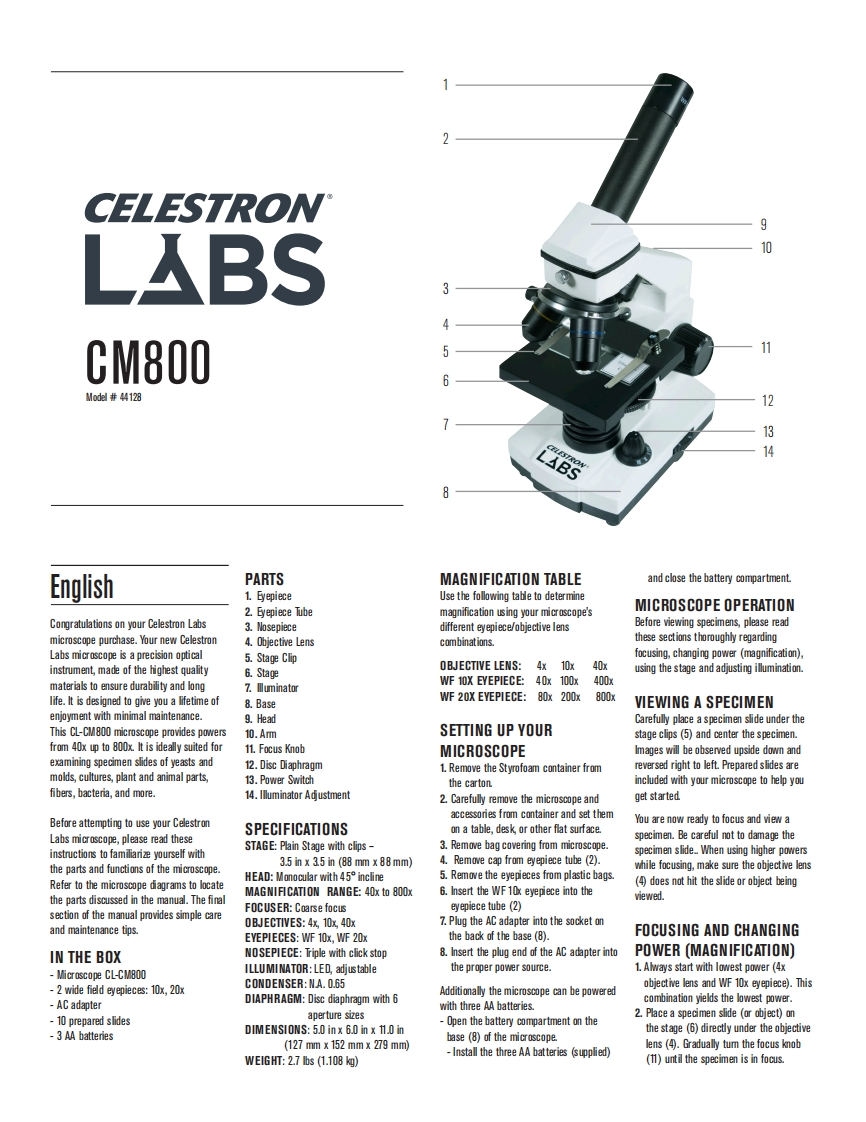
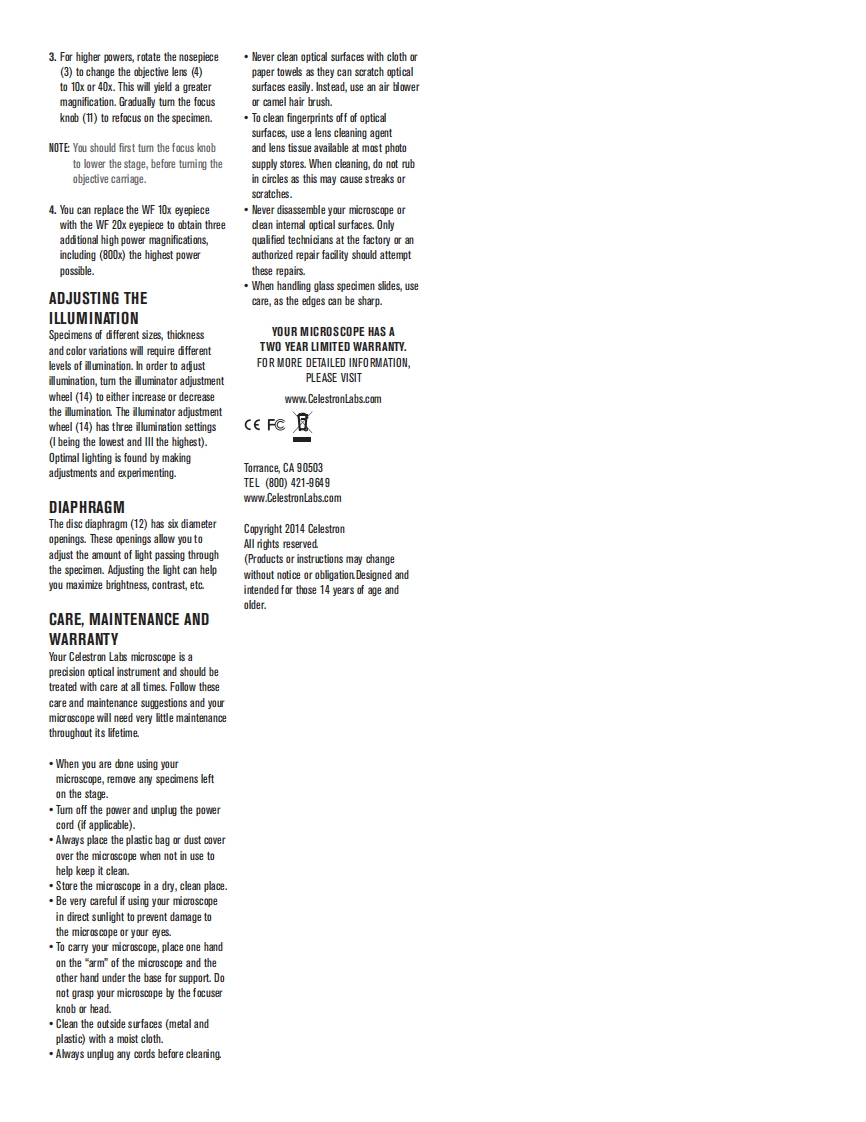
CELESTRON9LABS10CM8000d抛#441281213LABS14EnglishPARTSMAGNIFICATION TABLEand close the battery compartment1.马epieceUse the following table to determine2.Eyepiece Tubemagnification using your microscope'sMICROSCOPE OPERATIONCongratulations on your Celestron Labs3.Nosepiecedifferent eyepiece/objective lensBefore viewing specimns,please readmicroscope purchase.Your new Celestron4.Objective Lenscombinationsthese sections thoroughly regardingLabs micrscope is a precisionopical5.Stage Clipfocusing,changing power (magnification),instrument,made of the highest qualityOBJECTIVE LENS:4x 10x6.Stage40xusing the stage and adjusting illumination.materials to ensure durability and longWF 10X EYEPIECE:40x 100x7.lluminator400life.It is designed to give you a lifetime ofWF 20X EYEPIECE:80x 200x800x8.BaseVIEWING A SPECIMENenjoyment with minimal maintenance.9.HeadCarefully place a specimen slide under theThis CL-CM800 microscope provides powers10.AmSETTING UP YOURstage clips (5)and center the specimen.from 40x up to 800x.It is ideally suited for11.Focus KnobMICROSCOPEImages will be observed upside down andexamining specimen slides of yeasts and12.Disc Diaphragm1.Remove the Styrofoam container fromreversed right to left.Prepared slides aremolds,cultures,plant and animal parts,13.Power Switchthe cartonincluded with your microscope to help youfibers,bacteria,and more.14.Illuminator Adustment2.Carefully remove the microscope andget startedaccessories from container and set themBefore attempting to use your CelestronYou are now ready to focus and view aSPECIFICATIONSon a table,desk,or other flat surface.Labs microscope,please read thesespecimen.Be careful not to damage theSTAGE:Plain Stage with clips-3.Remove bag covering from microscope.instructions to familiarize yourself withspecimen slide.When using higher powersthe parts and functions of the microscope.3.5 in x 35 in (88 mm x 88 mm)4.Remove cap from eyepiece tube (2).while focusing,make sure the objective lensHEAD:Monocular with 45 incline5.Remove the eyepieces from plastic bagsRefer to the microscope diagrams to locatedoes nt hit the sliderobject beingMAGNIFICATION RANGE:40x to 800x6.Insert the WF10x eyepiece into thethe parts discussed in the manual.The finalviewed.FOCUSER:Coarse focuseyepiece tube (2)section of the manual provides simple care0BJECTIVES:4x,10x,40x7.Plug the AC adapter into the socket onand maintenance tips.EYEPIECES:WF 10x.WF 20xthe back of the base(8).FOCUSING AND CHANGINGIN THE BOXNOSEPIECE:Triple with click stop8.Insert the plug end of the AC adapter intoPOWER (MAGNIFICATION)-Microscope CL-CM800ILLUMINATOR:LED,adjustablethe proper power source.L.Always start with lowest power (4x-2 wide field eyepieces:x,20xCONDENSER:NA.0.65objective lens and WF10x eyepiece).ThisAC adapterDIAPHRAGM:Disc diaphragm with 6Additionally the microscope can be poweredcombination yields the lowest powerwith three AA batteries.-10 prepared slidesaperture sizes2.Place a specimen slide (or object)on-Open the battery compart


请登录后查看评论内容