
第1页 / 共8页
第2页 / 共8页
试读已结束,还剩6页,您可下载完整版后进行离线阅读
THE END
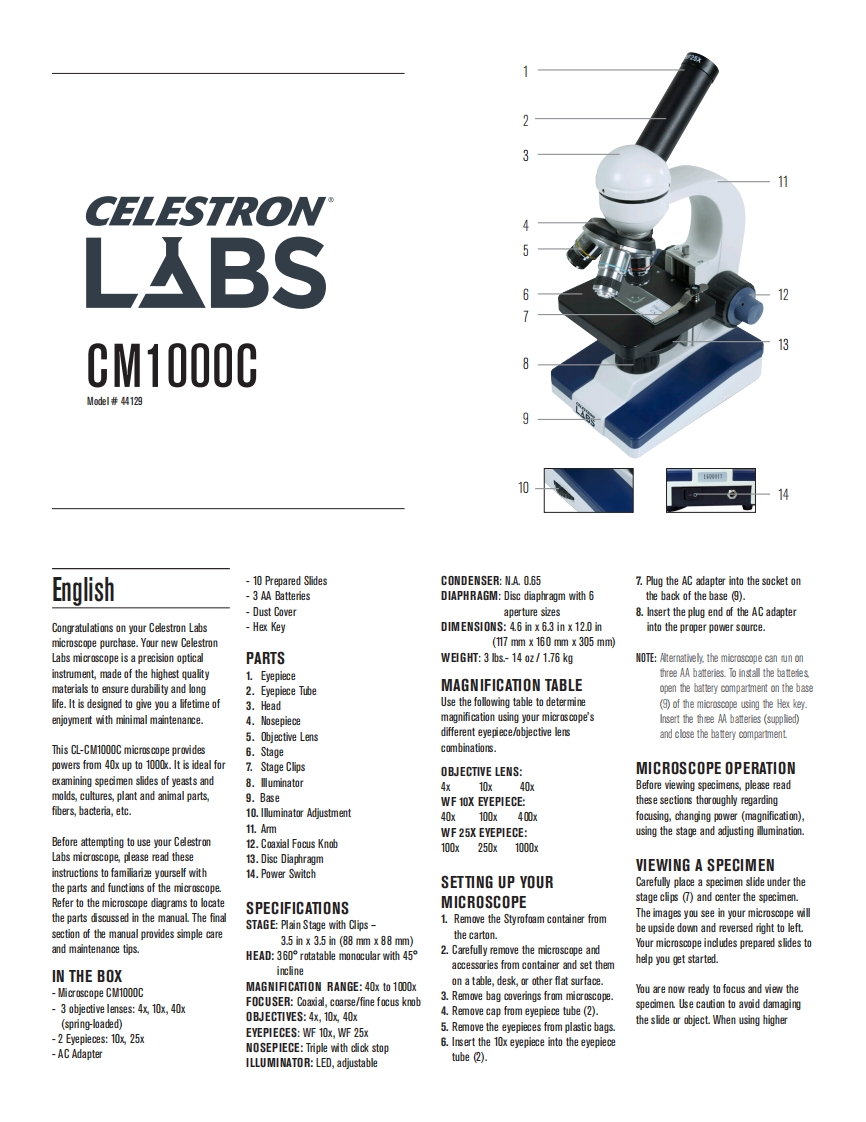
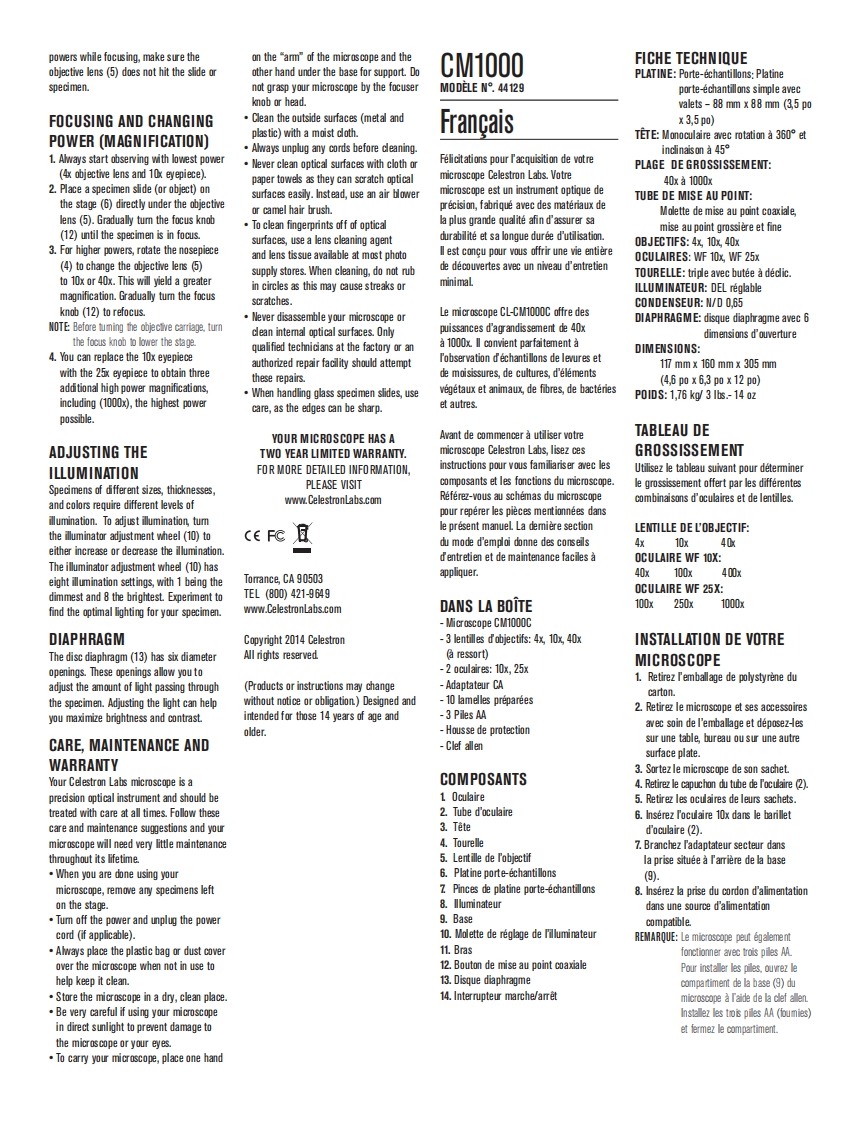
CELESTRONLABSCM1000CModel#44129English-10 Prepared SlidesCONDENSER:NA.0.657.Plug the AC adapter into the socket on-3 AA BatteriesDIAPHRAGM:Disc diaphragm with 6the back of the base 9).Dust Coveraperture sizes8.Insert the plug end of the AC adapterCongratulationson your Celestron LabsHex KeyDIMENSIONS:46 in x 6.3 in x 12.0 ininto the proper power source.microscope purchase.Your new Celestror(117 mm x 160 mm x 305 mm)Labs microscope is a precision opticalPARTSWEIGHT:3 lbs.-14 oz 1.76 kgNOTE:Alternativel the microscope can un oninstrument,made of the highest quality1.Eyepiecethree AA batteries.To install the battefesmaterials to ensure durability and long2.Eyepiece TubeMAGNIFICATION TABLEopen the battery compartment on the baselife.It is designed to give you a lifetime of3.HeadUse the following table to determine(9)of the microsoope using the Hex key.enjoyment with minimal maintenance.4.Nosepiecemagnification using your microscope'sInsert the thee AA batteries (supplied)5.Objective Lensdifferent eyepiece/objective lensand close the battery compartmentThis CL-CM1000C microscope provides6.Stagecombinations.powers from 40x up to 1000x.It is ideal for7.Stage ClipsOBJECTIVE LENS:MICROSCOPE OPERATIONexamining specimen slides of yeasts and8.Muminator4x10x40xBefore viewing specimens,please readmolds,cultures,plant and animal parts,9.BaseWF 10X EYEPIECE:these sections thoroughly regardingfibers,bacteria,etc.10.Illuminator Adiustment40x100x400focusing,changing power (magnification)11.ArmWF 25X EYEPIECE:using the stage and adjusting illumination.Before attempting to use your Celestron12.Coaxial Focus Knob100X250%1000xLabs microscope,please read these13.Disc Diaphragminstructions to familiarize yourself withVIEWING A SPECIMEN14.Power Switchthe parts and functions of the microscope.SETTING UP YOURCarefully place a specimen slide under theRefer to the microscope diagrams to locateSPECIFICATIONSMICROSCOPEstage clips (7)and center the specimen.the parts discussed in the manual.The finalSTAGE:Plain Stage with Clips-1.Remove the Styrofoam container fromThe images you see in your microscope willsection of the manual provides simple carebe upside down and reversed right to left.3.5 in x 3.5 in (88 mm x 88 mm)the carton.and maintenance tips.Yourmicspendes prepared slides toHEAD:360 rotatable monocular with 452.Carefully remove the microscope andaccessories from container and set themhelp you get started.IN THE BOXinclineMicroscope CM1000CMAGNIFICATION RANGE:40x to 1000xon a table,desk,or other flat surface.You are now ready to focus and view theFOCUSER:Coaxial,coarse/fine focus knob3.Remove bag coverings from microscope.3 objective lenses:4x,10x,40xspecimen Use caution to avoid damaging0BJECTIVES:4x,10x,40x4.Remove cap from eyepiece tube (2).(spring-loaded)5.Remove the eyepieces from plastic bags.the slide or object When using higher-2 Eyepieces:0x5xEYEPIECES:WF 10x,WF 25x6.Insert the 10x eyepiece into the eyepiece-AC AdapterNOSEPIECE:Triple with click stopILLUMINATOR:L


请登录后查看评论内容