
第1页 / 共2页
试读已结束,还剩1页,您可下载完整版后进行离线阅读
THE END
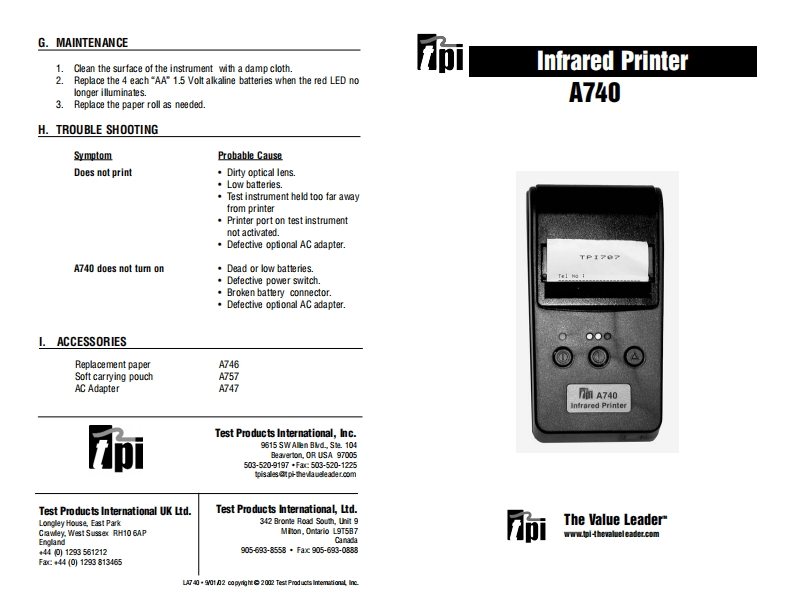
G.MAINTENANCE1.Clean the surface of the instrument with a damp cloth而Infrared Printer2.Replace the 4 each"AA"1.5 Volt alkaline batteries when the red LED nolonger illuminates.A7403.Replace the paper roll as needed.H.TROUBLE SHOOTINGSymptomProbable CauseDoes not print·Dirty optical lens.·Low batteries..Test instrument held too far awayfrom printer.Printer port on test instrumentnot activated..Defective optional AC adapter.TP707A740 does not turn on·Dead or low batteries..Defective power switch.Broken battery connector.Defective optional AC adapter.I.ACCESSORIESReplacement paperA746Soft carrying pouchA757AC AdapterA747aA740Infrared PrinterTest Products International,Inc.9615 SWAlen Bid Ste 104Beaverton,OR USA 97005503-520-9197+fac503-520-1225tpisalespi-thevlaudleadeccomTest Products International UK Ltd.Test Products International,Ltd.Longley House,East Park342 Bronte Road South,Unit 9The Value LeaderCawley,West Sussex RH10 6APMion,Ontario L9T587而www.tpi-4hevalueleader.comEnclandCanada4401293561212905690-8558+Fae905-690-0083fac4401223813465L了40·90102c0pw南te20厘sProducts nen的aLe


请登录后查看评论内容