
第1页 / 共2页
试读已结束,还剩1页,您可下载完整版后进行离线阅读
THE END
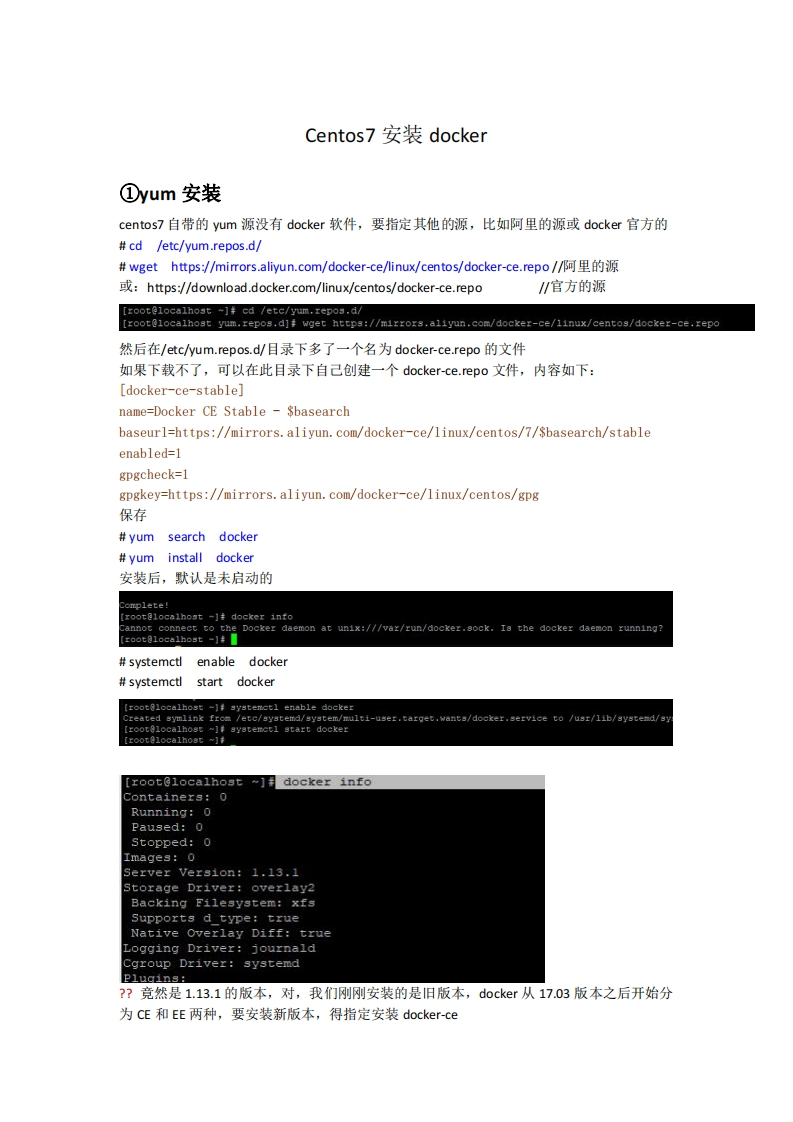
Centos7安装docker①yum安装centos:7自带的yum源没有docker软件,要指定其他的源,比如阿里的源或docker官方的#cd /etc/yum.repos.d/#wget https:/mirrors.aliyun.com/docker--ce/inux/centos/docker--ce.repo/阿里的源https://download.docker.com/linux/centos/docker-ce.repo/官方的源[rootelocalhost ~]cd /etc/yum.repos.d/[root@localhost yum.repos.d]#wget https://mirrors.aliyun.com/docker-ce/1inux/centos/docker-ce.repo然后在/etc/yum.repos..d目录下多了一个名为docker-ce.repo的文件如果下载不了,可以在此目录下自己创建一个docker--ce.repo文件,内容如下:[docker-ce-stable]name=Docker CE Stable -Sbasearchbaseurl=https://mirrors.aliyun.com/docker-ce/linux/centos/7/Sbasearch/stableenabled=1gpgcheck=1gpgkey=https://mirrors.aliyun.com/docker-ce/linux/centos/gpg保存yum search dockeryum install docker安装后,默认是未启动的Complete!roote1oca1ho5t-】丰docker1ntoCannot connect to the Docker daemon at unix:///var/run/docker.sock.Is the docker daemon running?[:oot81oca1host-】#systemctl enable dockersystemctl start docker【root81 ocalhost-】systemct1 enable dockerCreated symlinkfrom /etc/syatemd/system/multiaser.target.wants/docker.service to /usr/lib/systemd/s[rootelocalhost ~systemctl start docker[ro0tg1oca1h0g5w】f[rootelocalhost~dockex infoContainers:0Running:0Paused:0Stopped:0Images:0Server Version:1.13.1Storage Driver:overlay2Backing Filesystem:xfsSupports d type:trueNative Overlay Diff:trueLogging Driver:journaldCgroup Driver:systemdPlugins:?竞然是1.13.1的版本,对,我们刚刚安装的是旧版本,docker从17.03版本之后开始分为CE和EE两种,要安装新版本,得指定安装docker--ce


请登录后查看评论内容