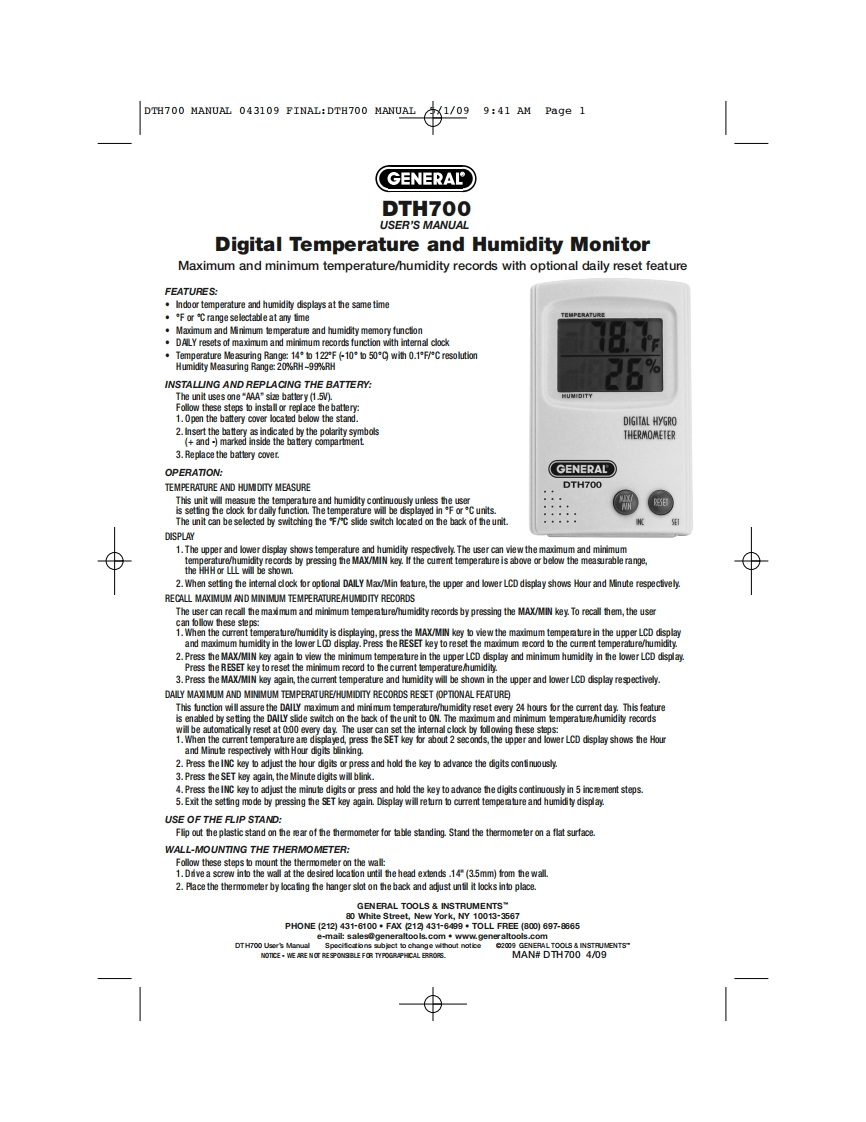
DTH700 MANUAL 043109 FINAL:DTH700 MANUAL1/099:41 AM Page 1GENERALDTH700USER'S MANUALDigital Temperature and Humidity MonitorMaximum and minimum temperature/humidity records with optional daily reset featureFEATURES:.Indoor temperature and humidity displays at the same time·Fa℃range selectable at any timeTEMPERATUEMaxmum and Minimum temperatue and humidity memory function.DAILY resets of maximum and minimum records function with intemal clock·Temperature Measuring Range:14°白122Fk10°b500wiM0.1F炉C resolutionHumidity Measuring Range:20%RH-99%RHINSTALLING AND REPLACING THE BATTERY:The unit uses one"AAA"size battery (1.5V).Follow these steps to inst电ll or replace the batt他n1.Open the battery cover located below the standDIGIIAL HYGRO2.Insert the battery as indicaled by the polarity symbolsTHERMOMETER3.Replace the battery cover.OPERATION:GENERALTEMPERATURE AND HUM DITY MEASUREDTH700This unit will measure the temperature and humidity continuously unless the useris setting the clock for daily function.The temperature will be displayed in *F or*C units.The unit can be selected by switching the F/C slide switch located on the back of the unit.DISPLAY1.The upper and lower display shows temperature and humidity respecthvely.The user can view the madmum and minimumtemperature/humidity records by pressing the MAX/MIN key.If the cument temperature is above or below the measurable range,the HHH or LLL will be shown.2.When setting the intemal clock for optonal DAILY Max/Min feature,the upper and lower LCD display shows Hour and Minute respecthvely.RECALL MAXIMUM AND MINIMUM TEMPERATUREHUMIDITY RECORDSThe user can recall the maximum and minimum temperature/humidity records by pressing the MAX/MIN key.To recall them,the usercan lollow thes8s电s1.When the curnt temperaure/humidity is displaying,press the MAX/MIN key o view the maimum tempere in theupprLCD displayand mamum humidity in the lower LCD display.Press the RESET key to reset the maxdmum ecord to the curent temperature/humidity.2.Press the MAX/MIN key again to view the minimum temperature in the upper LCD display and minimum humidity in the lower LCD display.Press the RESET key to reset the minimum record to the current temperature/humidity.3.Press the MAX/MIN key again,the current temperature and humidity will be shown in the upper and lower LCD display respectively.DAILY MAX MUM AND MINIMUM TEMPERATURE/HUMIDITY RECORDS RESET (OPTIONAL FEATURE)This function will assure the DAILY maximum and minimum temperature/humidity reset every 24 hours or the current day.This featureis enabled by setting the DAILY side switch on the back of the unit to ON.The maximum and minimum temperate/humidity recordswill be automatically reset at 0:00 every day.The user can set the intemal clock by following these steps:1.When the current temperature are displayed,press the SET key for about 2 seconds,the upper and lower LCD display shows the Hour2.Press theINC key to adjust the hour digits or press and hold the key o advance the dig


请登录后查看评论内容