
第1页 / 共2页
试读已结束,还剩1页,您可下载完整版后进行离线阅读
THE END
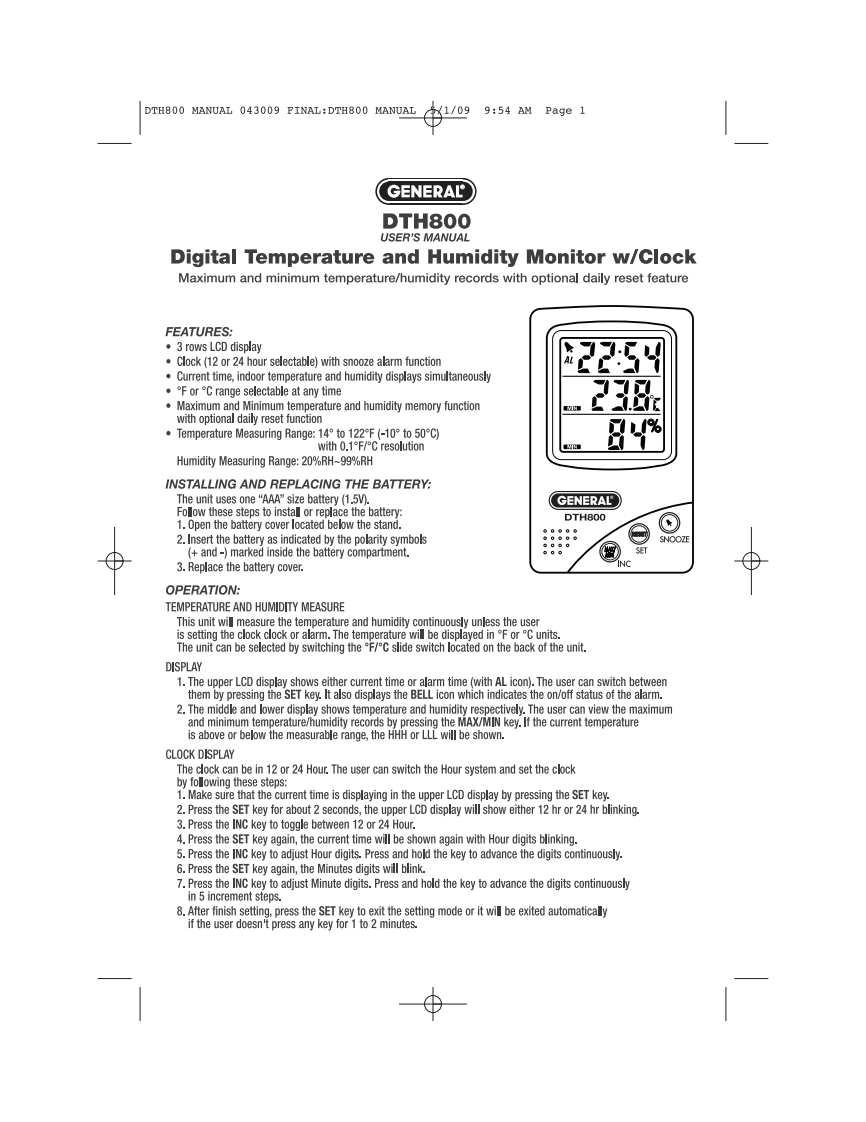
DTH800 MANUAL 043009 FINAL:DTH800 MANUAL1/099:54 AM Page 1GENERALDTH800USER'S MANUALDigital Temperature and Humidity Monitor w/ClockMaximum and minimum temperature/humidity records with optional daily reset featureFEATURES:·3 rows LCD displayClock (12 or 24 hour selectable)with snooze alarm function.Current time,indoor temperature and humidity displays simultaneously.ForC range selectable at any timeMaximum and Minimum temperature and humidity memory functionwith optional daily reset function·Temperature Measuring Range::14°to122F(-10°to50C)%with 0.1F/C resolutionHumidity Measuring Range:20%RH-99%RHINSTALLING AND REPLACING THE BATTERY:The unit uses one "AAA"size battery (1.5V).GENERALFollow these steps to instal or replace the battery:DTH8001.Open the battery cover located below the stand.2.Insert the battery as indicated by the polarity symbolsSNOOZE(and-)marked inside the battery compartment.3.Replace the battery cover.OPERATION:TEMPERATURE AND HUMIDITY MEASUREThis unit wil measure the temperature and humidity continuously unless the useris setting the clock clock or alarm.The temperature will be displayed inForCunits.The unit can be selected by switching the F/C slide switch located on the back of the unit.DISPLAY1.The upper LCD display shows either current time or alarm time (with AL icon).The user can switch betweenthem by pressing the SET key.It also displays the BELL icon which indicates the on/off status of the alarm.2.The middle and lower display shows temperature and humidity respectively.The user can view the maximumand minimum temperature/humidity records by pressing the MAX/MIN key.If the current temperatureis above or below the measurable range,the HHH or LLL will be shown.CLOCK DISPLAYThe clock can be in 12 or 24 Hour.The user can switch the Hour system and set the clockby following these steps:1.Make sure that the current time is displaying in the upper LCD display by pressing the SET key.2.Press the SET key for about 2 seconds,the upper LCD display will show either 12 hr or 24 hr blinking.3.Press the INC key to toggle between 12 or 24 Hour.4.Press the SET key again,the current time will be shown again with Hour digits blinking.5.Press the INC key to adjust Hour digits.Press and hold the key to advance the digits continuously.6.Press the SET key again,the Minutes digits will blink.7.Press the INC key to adjust Minute digits.Press and hold the key to advance the digits continuouslyin 5 increment steps.8.After finish setting,press the SET key to exit the setting mode or it will be exited automaticallyif the user doesn't press any key for 1 to 2 minutes.


请登录后查看评论内容