
第1页 / 共4页
试读已结束,还剩3页,您可下载完整版后进行离线阅读
THE END
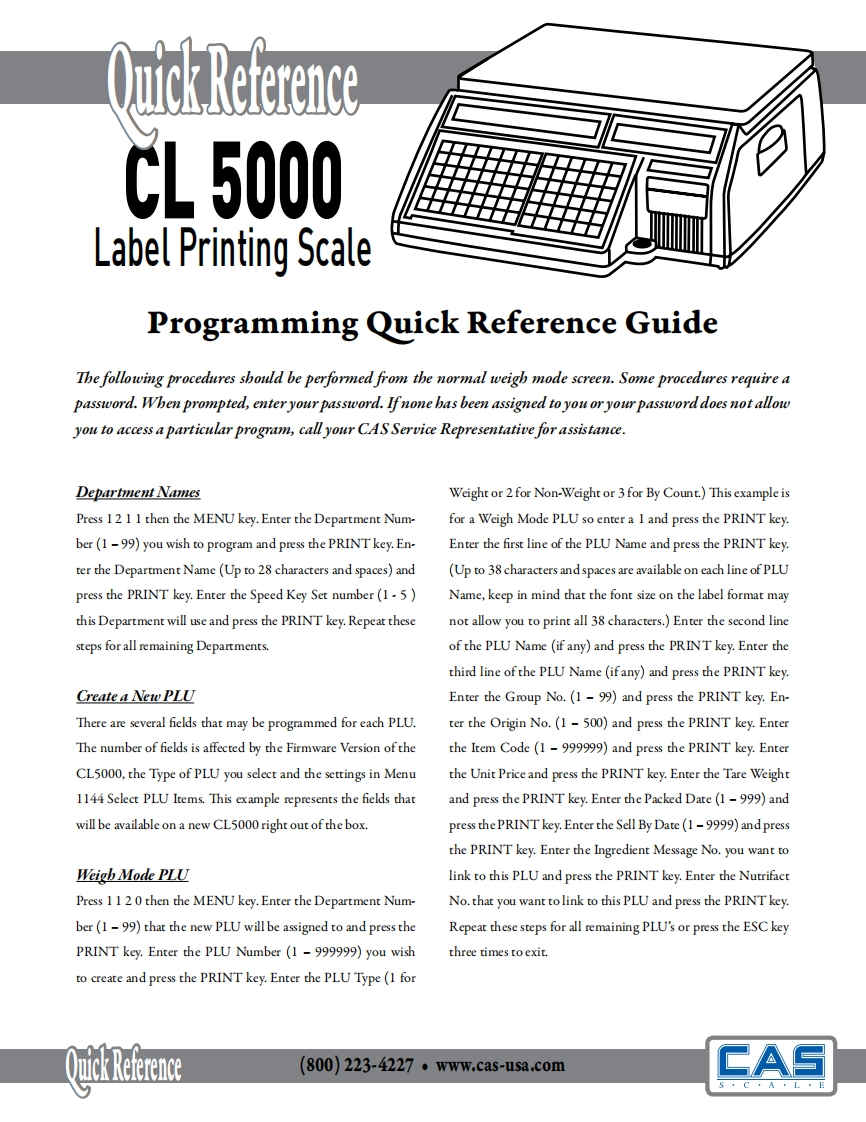
i ReferenceCL5000Label Printing ScaleProgramming Quick Reference GuideThe following procedures should be performed from the normal weigh mode screen.Some procedures require apassword.When prompted,enter your password.Ifnone has been assigned to you or your password does not allowyou to access a particular program call your CAS Service Representative for assistance.Department NamesWeight or 2 for Non-Weight or 3 for By Count.)This example isPress 12 11 then the MENU key.Enter the Department Num-for a Weigh Mode PLU so enter a 1 and press the PRINT key.ber(1-99)you wish to program and press the PRINT key.En-Enter the first line of the PLU Name and press the PRINT key.ter the Department Name (Up to 28 characters and spaces)and(Up to 38 characters and spaces are available on each line of PLUpress the PRINT key.Enter the Speed Key Set number(1-5)Name,keep in mind that the font size on the label format maythis Department will use and press the PRINT key.Repeat thesenot allow you to print all 38 characters.)Enter the second linesteps for all remaining Departments.of the PLU Name (if any)and press the PRINT key.Enter thethird line of the PLU Name(if any)and press the PRINT key.Create a New PLl☑Enter the Group No.(1-99)and press the PRINT key.En-There are several fields that may be programmed for each PLU.ter the Origin No.(1-500)and press the PRINT key.EnterThe number of fields is affected by the Firmware Version of thethe Item Code(1-999999)and press the PRINT key.EnterCL5000,the Type of PLU you select and the settings in Menuthe Unit Price and press the PRINT key.Enter the Tare Weight1144 Select PLU Items.This example represents the fields thatand press the PRINT key.Enter the Packed Date(1-999)andwill be available on a new CL5000 right out of the box.press thePRINT key.Enter the Sell By Date(1-9999)and pressthe PRINT key.Enter the Ingredient Message No.you want toWeigh Mode PLUlink to this PLU and press the PRINT key.Enter the NutrifactPress 11 20 then the MENU key.Enter the Department Num-No.that you want to link to this PLU and press the PRINT key.ber(1-99)that the new PLU will be assigned to and press theRepeat these steps for all remaining PLU's or press the ESC keyPRINT key.Enter the PLU Number(1 -999999)you wishthree times to exit.to create and press the PRINT key.Enter the PLU Type(1 for(800)223-4227。www,cas-usa.c0mCASS·C·A·L·E


请登录后查看评论内容