
第1页 / 共5页
试读已结束,还剩4页,您可下载完整版后进行离线阅读
THE END
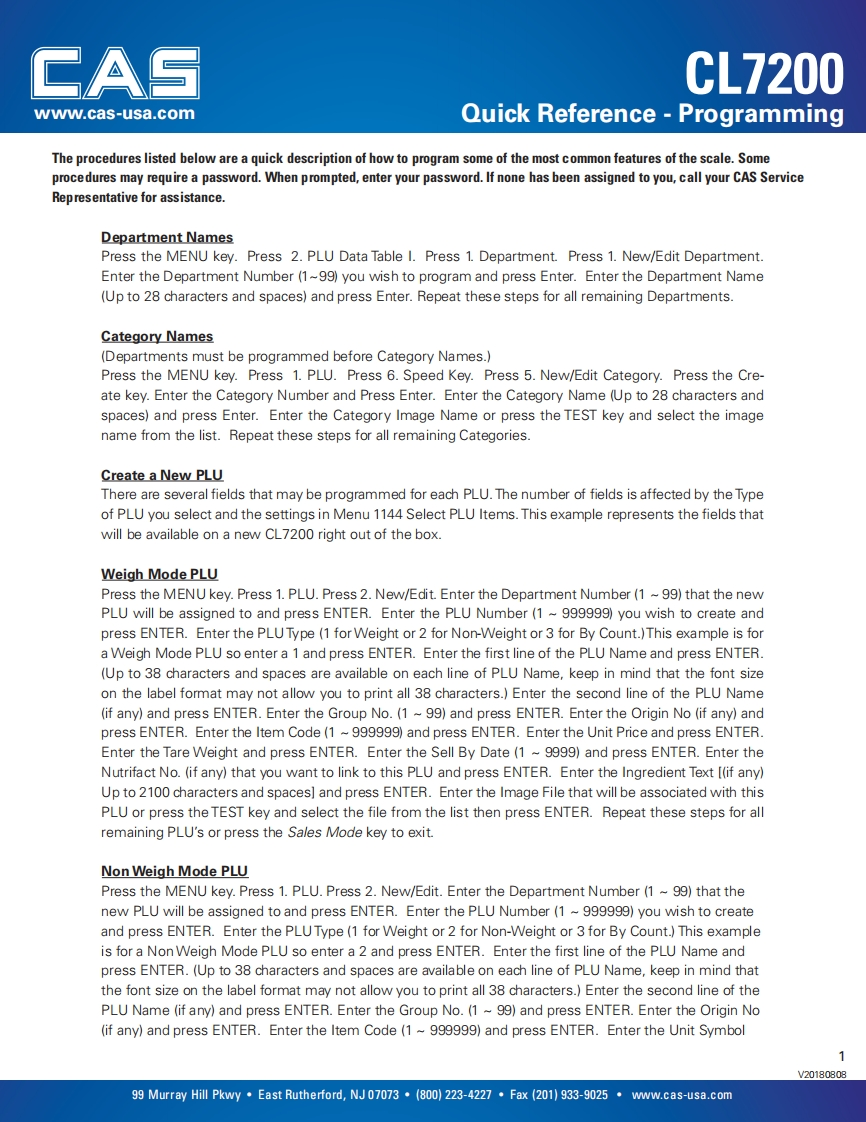
CASCL7200www.cas-usa.comQuick Reference -ProgrammingThe procedures listed below are a quick description of how to program some of the most common features of the scale.Someprocedures may require a password.When prompted,enter your password.If none has been assigned to you,call your CAS ServiceRepresentative for assistance.Department NamesPress the MENU key.Press 2.PLU Data Table I.Press 1.Department.Press 1.New/Edit Department.Enter the Department Number(1~99)you wish to program and press Enter.Enter the Department Name(Up to 28 characters and spaces)and press Enter.Repeat these steps for all remaining Departments.Category Names(Departments must be programmed before Category Names.)Press the MENU key.Press 1.PLU.Press 6.Speed Key.Press 5.New/Edit Category.Press the Cre-ate key.Enter the Category Number and Press Enter.Enter the Category Name (Up to 28 characters andspaces)and press Enter.Enter the Category Image Name or press the TEST key and select the imagename from the list.Repeat these steps for all remaining Categories.Create a New PLUThere are several fields that may be programmed for each PLU.The number of fields is affected by the Typeof PLU you select and the settings in Menu 1144 Select PLU Items.This example represents the fields thatwill be available on a new CL7200 right out of the box.Weigh Mode PLUPress the MENU key.Press 1.PLU.Press 2.New/Edit.Enter the Department Number(1 ~99)that the newPLU will be assigned to and press ENTER.Enter the PLU Number(1~999999)you wish to create andpress ENTER.Enter the PLU Type(1 for Weight or 2 for Non-Weight or 3 for By Count.)This example is fora Weigh Mode PLU so enter a 1 and press ENTER.Enter the first line of the PLU Name and press ENTER.(Up to 38 characters and spaces are available on each line of PLU Name,keep in mind that the font sizeon the label format may not allow you to print all 38 characters.)Enter the second line of the PLU Name(if any)and press ENTER.Enter the Group No.(1 ~99)and press ENTER.Enter the Origin No (if any)andpress ENTER.Enter the Item Code(1 ~999999)and press ENTER.Enter the Unit Price and press ENTER.Enter the Tare Weight and press ENTER.Enter the Sell By Date(1 ~9999)and press ENTER.Enter theNutrifact No.(if any)that you want to link to this PLU and press ENTER.Enter the Ingredient Text [(if any)Up to 2100 characters and spaces]and press ENTER.Enter the Image File that will be associated with thisPLU or press the TEST key and select the file from the list then press ENTER.Repeat these steps for allremaining PLU's or press the Sales Mode key to exit.Non Weigh Mode PLUPress the MENU key.Press 1.PLU.Press 2.New/Edit.Enter the Department Number (1 99)that thenew PLU will be assigned to and press ENTER.Enter the PLU Number(1 ~999999)you wish to createand press ENTER.Enter the PLUType(1 for Weight or 2 for Non-Weight or 3 for By Count.)This exampleis for a Non Weigh Mode PLU so enter a 2 and press ENTER.Enter the first line of the PLU Name andpress ENTER.(Up to 38 charac


请登录后查看评论内容