
第1页 / 共12页
试读已结束,还剩11页,您可下载完整版后进行离线阅读
THE END
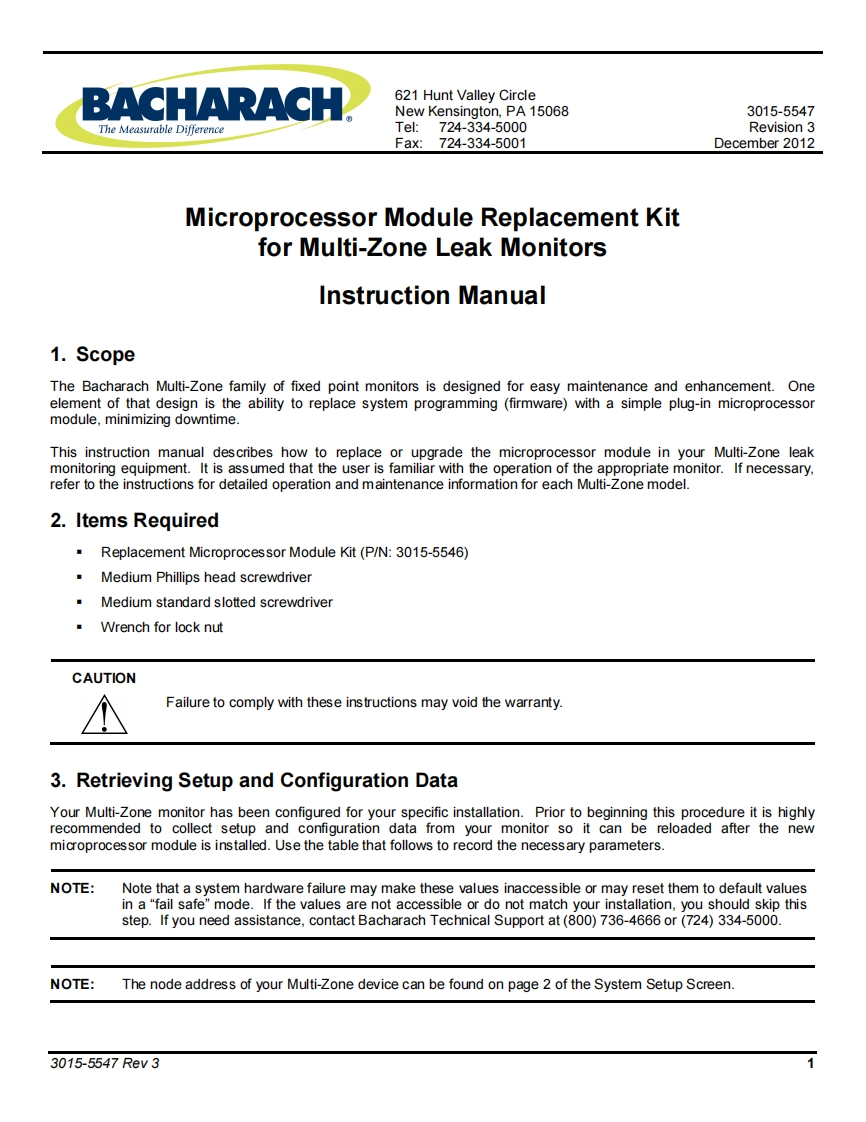
BACHARACH621 Hunt Valley CircleNew Kensington,PA 150683015-5547The Measurable DifferenceTel:724-334-5000Revision 3Fax:724-334-5001December 2012Microprocessor Module Replacement Kitfor Multi-Zone Leak MonitorsInstruction Manual1.ScopeThe Bacharach Multi-Zone family of fixed point monitors is designed for easy maintenance and enhancement.Oneelement of that design is the ability to replace system programming (firmware)with a simple plug-in microprocessormodule,minimizing downtime.This instruction manual describes how to replace or upgrade the microprocessor module in your Multi-Zone leakmonitoring equipment.It is assumed that the user is familiar with the operation of the appropriate monitor.If necessary,refer to the instructions for detailed operation and maintenance information for each Multi-Zone model.2.Items RequiredReplacement Microprocessor Module Kit (P/N:3015-5546)Medium Phillips head screwdriverMedium standard slotted screwdriverWrench for lock nutCAUTIONFailure to comply with these instructions may void the warranty.3.Retrieving Setup and Configuration DataYour Multi-Zone monitor has been configured for your specific installation.Prior to beginning this procedure it is highlyrecommended to collect setup and configuration data from your monitor so it can be reloaded after the newmicroprocessor module is installed.Use the table that follows to record the necessary parameters.NOTE:Note that a system hardware failure may make these values inaccessible or may reset them to default valuesin a "fail safe"mode.If the values are not accessible or do not match your installation,you should skip thisstep.If you need assistance,contact Bacharach Technical Support at(800)736-4666 or(724)334-5000.NOTE:The node address of your Multi-Zone device can be found on page 2 of the System Setup Screen.3015-5547Rev3


请登录后查看评论内容