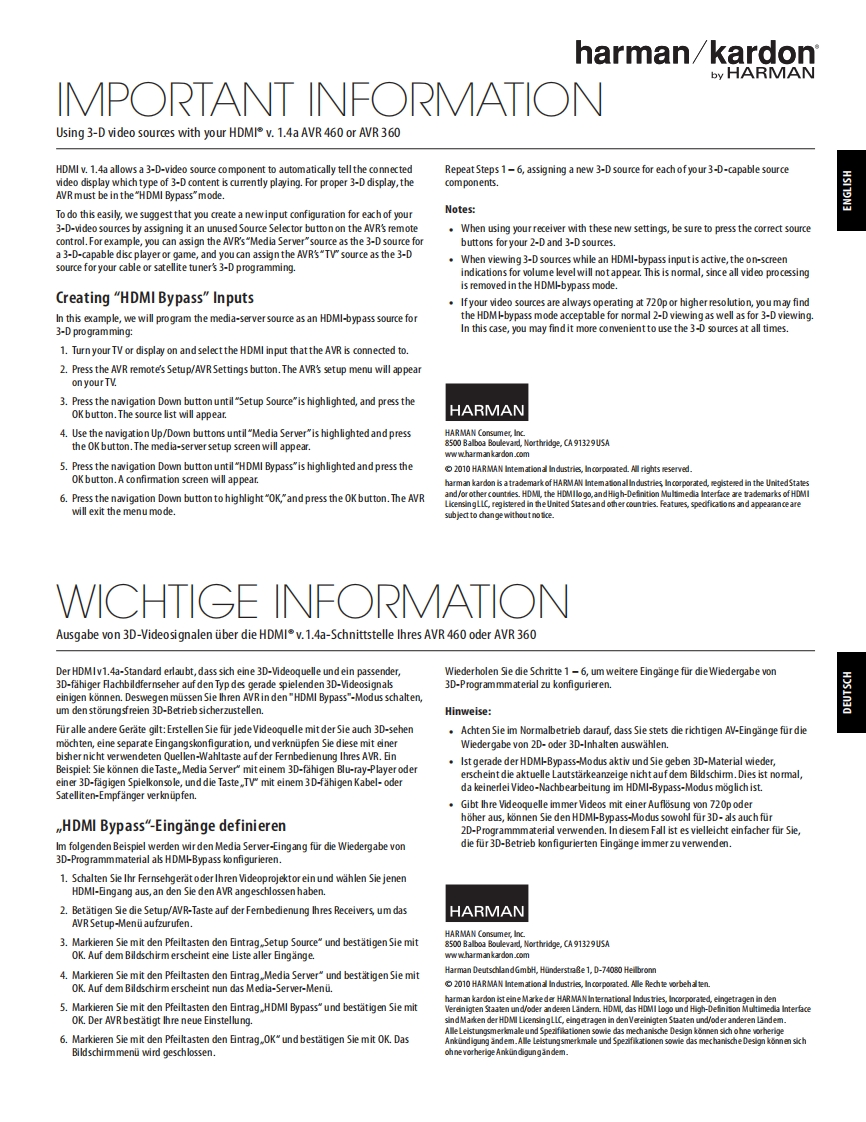
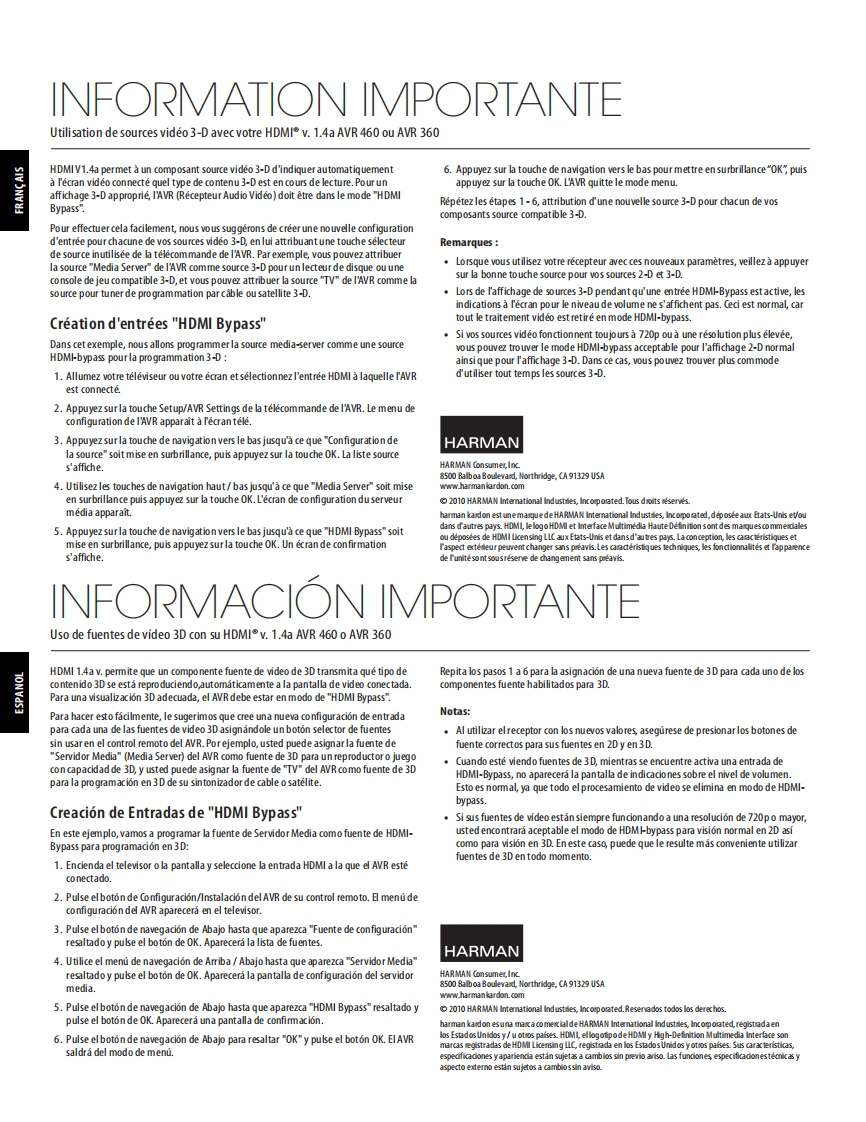
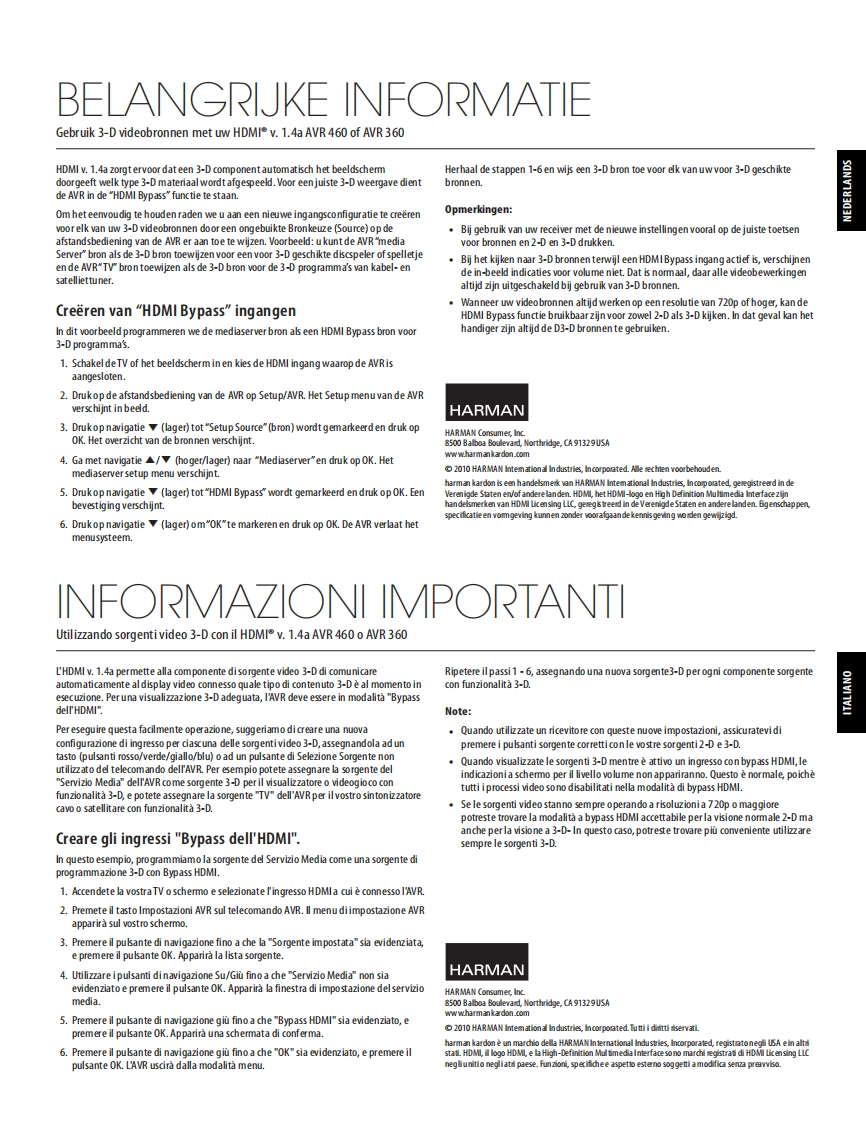
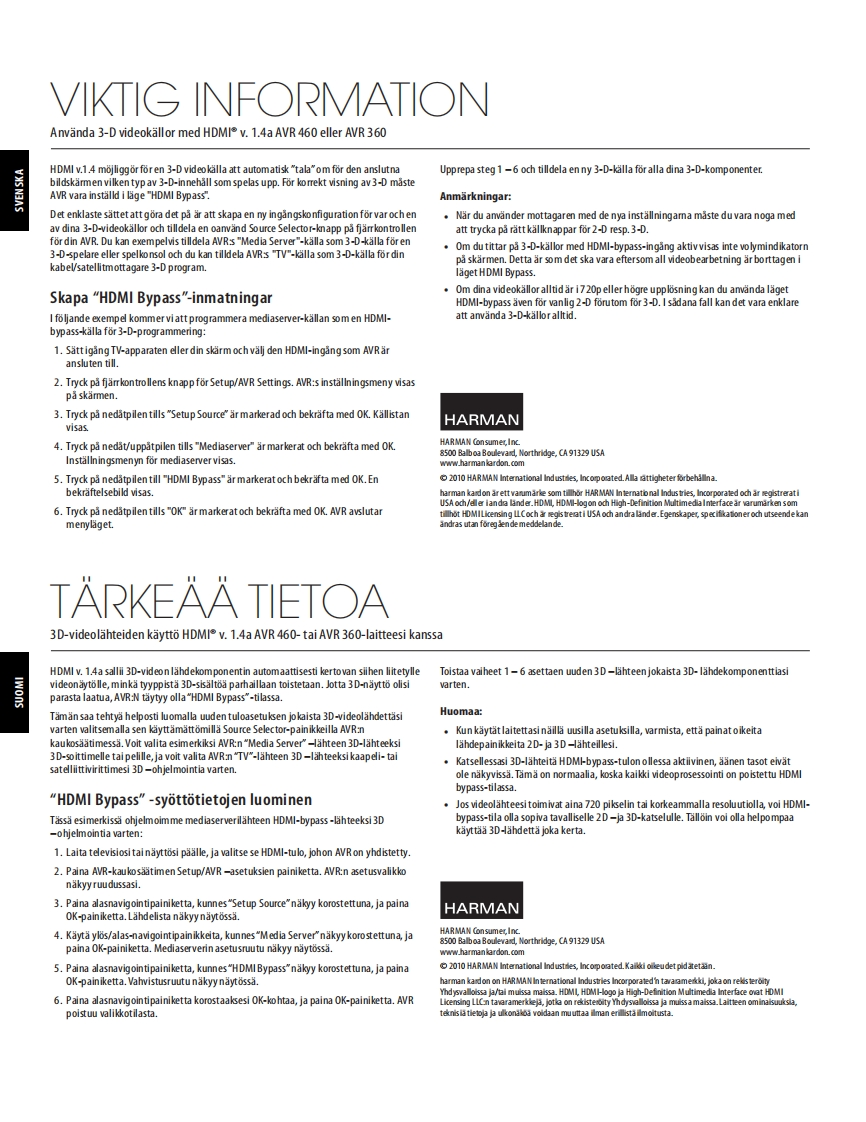
harman/kardonby HARMANIMPORIANTINFORMATIONUsing 3-D video sources with your HDMIv.1.4a AVR 460 or AVR 360HDMI v.1.4a allows a 3-D-video source component to automatically tell the connectedRepeat Steps 1-6,assigning a new 3-D source for each of your 3-D-capable sourcevideo display which type of 3-D content is currently playing.For proper 3-D display,thecom ponents.AVR must be in the"HDMI Bypass"mode.To do this easily,we suggest that you create a new input configuration for each of yourNotes:3-D-video sources by assigning it an unused Source Selector button on the AVR's remoteWhen using your receiver with these new settings,be sure to press the correct sourcecontrol.For example,you can assign the AVR's"Media Server"source as the 3-D source forbuttons for your 2-D and 3-D sources.a 3-D-capable disc player or game,and you can assign the AVR's"TVsource as the 3-DWhen viewing 3-D sources while an HDMI-bypass input is active,the on-screensource for your cable or satellite tuner's 3-D programming.indications for volume level will notappear.This is normal,since all video processingis removed in the HDMI-bypass mode.Creating "HDMI Bypass"InputsIf your video sources are always operating at 720p or higher resolution,you may findIn this example,we will program the media-server source as an HDMI-bypass source forthe HDMI-bypass mode acceptable for normal 2-D viewing as well as for 3-D viewing3-D programming:In this case,you may find it more comvenient to use the 3-D sources at all times.1.Turn your TV or display on and select the HDMI input that the AVR is connected to.2.Press the AVR remote's Setup/AVR Settings button.The AVR's setup menu will appearon your TV.3.Press the navigation Down button until "Setup Source"is highlighted,and press theOK button.The source list will appear.HARMAN4.Use the navigation Up/Down buttons until"Media Server"is highlighted and pressthe OK button.The media-server setup screen will appear.8500 Balboa Boulevad,Northridge,CA91329USAwww.harm.ankardon.com5.Press the navigation Down button until "HDMI Bypass"is highlighted and press the2010 HARMAN Intemational Industries,Incorporated.All rights eserved.OK button.A confirmation screen will appear.harman kardon is a trademark of HARMAN Intemationalindustries Incorporated,segistesed in the UnitedStates6.Press the navigation Down button to highlight"OK,"and press the OK button.The AVRthe HDMigh-Defnition Mulmedia ademarks of HDMILicensingLIC,registered in the United Statesand other coun tries.Featues,spedifications and appeaancearewill exit the menu mode.subject to change without no tice.WICHTIGE INFORMATIONAusgabe von 3D-Videosignalen uber die HDMIv.1.4a-Schnittstelle lhres AVR 460 oder AVR 360Der HDMIv1.4a-Standard erlaubt,dass sich eine 3D-Videoquelle und ein passender,Wiederholen Sie die Schritte 1-6,um weitere Eingange fur die Wiedergabe von3D-fahiger Flachbildfernseher auf den Typ des gerade spielenden 3D-Videosignals3D-Programmmaterial zu konfigurieren.einigen konnen.Deswegen musse



请登录后查看评论内容