
第1页 / 共12页
第2页 / 共12页
第3页 / 共12页
第4页 / 共12页
第5页 / 共12页
第6页 / 共12页
第7页 / 共12页
第8页 / 共12页
第9页 / 共12页
第10页 / 共12页
试读已结束,还剩2页,您可下载完整版后进行离线阅读
THE END
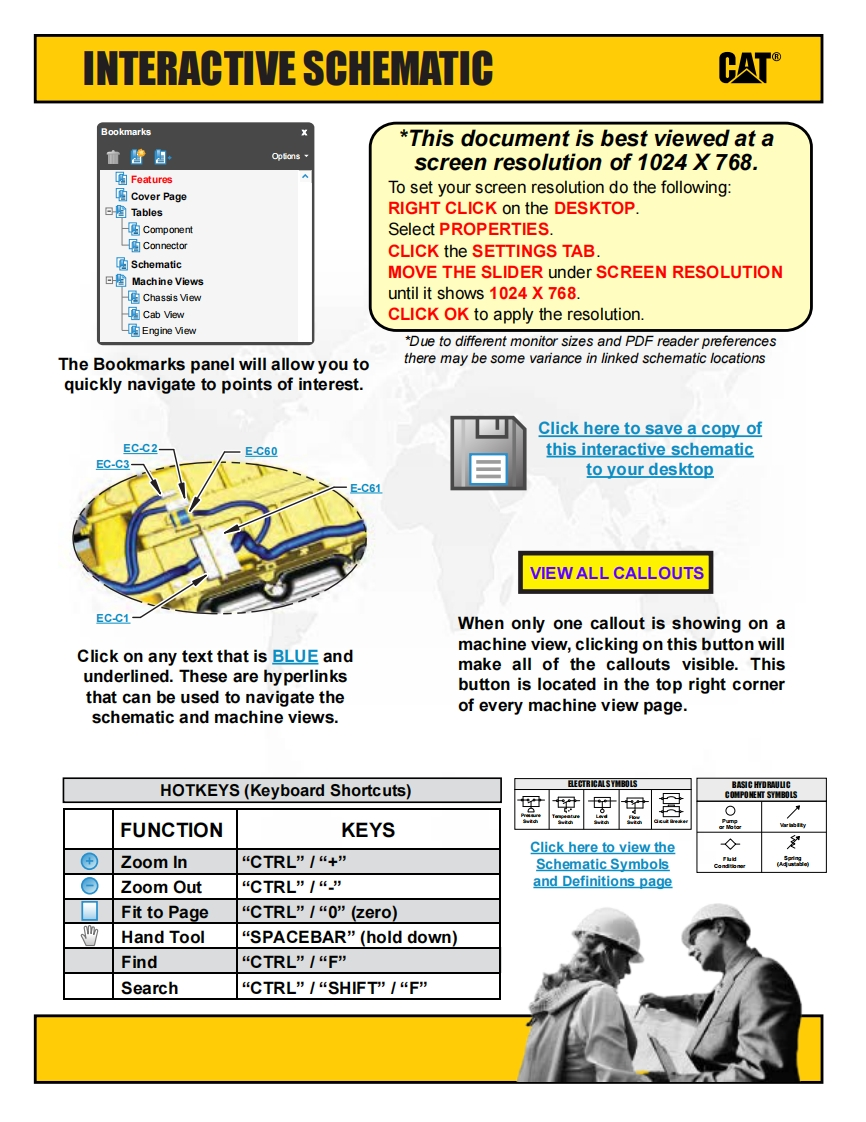
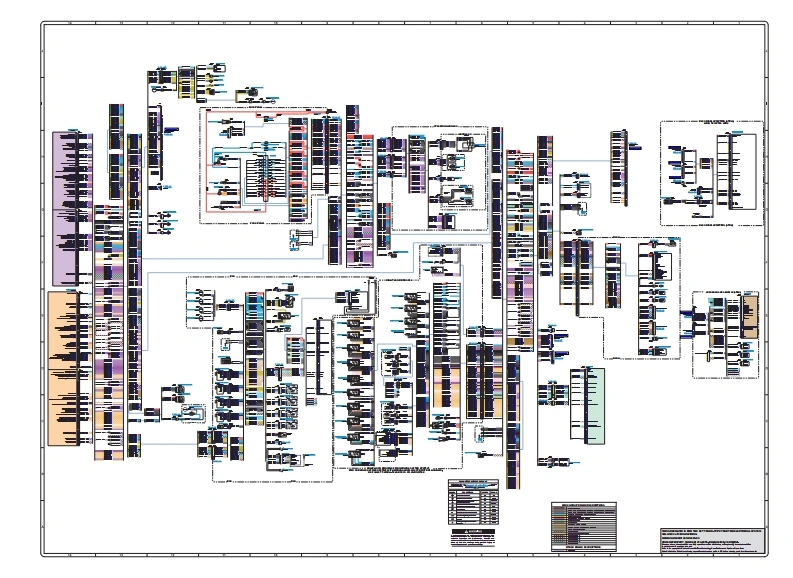
INTERACTIVE SCHEMATICCATBookmarks*This document is best viewed at a血普自OpSionsscreen resolution of 1024 X 768.函FeaturesCover PageTo set your screen resolution do the following:回TablesRIGHT CLICK on the DESKTOP.ComponentSelect PROPERTIES.ConnectorCLICK the SETTINGS TAB.☑Schematic回图Machine ViewsMOVE THE SLIDER under SCREEN RESOLUTIONChassis Viewuntil it shows 1024 X 768.Cab ViewCLICK OK to apply the resolutionEngine View*Due to different monitor sizes and PDF reader preferencesThe Bookmarks panel will allow you tothere may be some variance in linked schematic locationsquickly navigate to points of interest.Click here to save a copy ofEC-C2-E-C60this interactive schematicEC-C3-to your desktopE-C61VIEW ALL CALLOUTSEC-C1-When only one callout is showing on amachine view,clicking on this button willClick on any text that is BLUE andmake all of the callouts visible.Thisunderlined.These are hyperlinksbutton is located in the top right cornerthat can be used to navigate theof every machine view page.schematic and machine views.HOTKEYS(Keyboard Shortcuts)BASIC HYDRAULCCOMPONENT SYMBOLS0FUNCTIONKEYSo loloClick here to view the◇爱⊕Zoom In“CTRL”/“+”Schematic SymbolsCakieOZoom Out“CTRL”/“”and Definitions pageFit to PageCTRL”I“0”(zero)四Hand ToolSPACEBAR”(hold down)Find“CTRL”I“FSearch“CTRL”I“SHIFT"/“F”




请登录后查看评论内容