
第1页 / 共2页
试读已结束,还剩1页,您可下载完整版后进行离线阅读
THE END
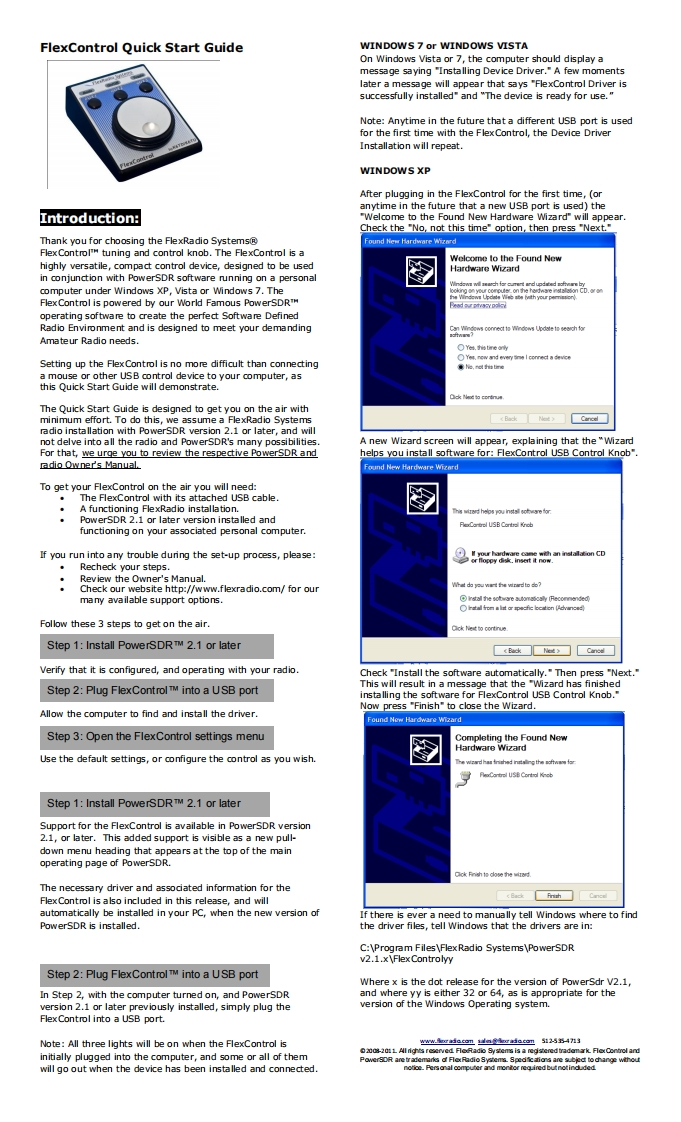
FlexControl Quick Start GuideWINDOWS 7 or WINDOWS VISTAOn Windows Vista or 7,the computer should display amessage saying "Installing Device Driver."A few momentslater a message will appear that says "FlexControl Driver issuccessfully installed"and "The device is ready for use."Note:Anytime in the future that a different USB port is usedfor the first time with the Flex Control,the Device DriverInstallation will repeat.WINDOWS XPAfter plugging in the FlexControl for the first time,(oranytime in the future that a new USB port is used)theIntroduction:Welcome to the Found New HardwareCheck the "No,not this time"option,then press "Next.Thank you for choosing the FlexRadio SystemsFlex Control tuning and control knob.The FlexControl is aWelcome to the Found Newhighly versatile,compact control device,designed to be usedHardware Wizardin conjunction with PowerSDR software running on a personalcomputer under Windows XP,Vista or Windows 7.TheFlexControl is powered by our World Famous PowerSDRTMoperating software to create the perfect Software DefinedRadio Environment and is designed to meet your demanding5o6dnm金等kee63h标Amateur Radio needs.OYa.指meSetting up the Flex Control is no more difficult than connectinga mouse or other USB control device to your computer,asthis Quick Start Guide will demonstrate.水ad的couwThe Quick Start Guide is designed to get you on the air withminimum effort.To do this,we assume a FlexRadio Systemsradio installation with PowerSDR version 2.1 or later,and willnot delve into all the radio and PowerSDR's many possibilitiesA new Wizard screen will appear,explaining that the "WizardFor that,we urge you to review the respective PowerSDR andhelps you install software for:FlexControl USB Control Knob"adio Owne广s Manualound New Hardware WicardTo get your FlexControl on the air you will need:The FlexControl with its attached USB cableA functioning FlexRadio installation.时hnPowerSDR 2.1 or later version installed andReCartrel USB Contral Kinebfunctioning on your associated personal computer.If you run into any trouble during the set-up process,please:Recheck your steps.Review the Owner's Manual.的suwart he vir已ooCheck our website http://www.flexradio.com/for ourmany available support options.istall the solware auomaoaly (FeconmendedFatall fron alt ar pecfic ection [AdvancedFollow these 3 steps to get on the air.Step 1:Install PowerSDRTM 2.1 or later《akd)☐CanodVerify that it is configured,and operating with your radio.Check"Install the software automatically."Then press "Next."This will result in a message that the "Wizard has finishedStep 2:Plug FlexControl TM into a USB portinstalling the software for FlexControl USB Control Knob."Now press "Finish"to close the Wizard.Allow the computer to find and install the driver.Found New Hardware WizardStep 3:Open the FlexControl settings menuCompleting the Found NewHardware WizardUse the default settings,or configure the control as you wish.Step 1:Install PowerSDRTM 2.1 or laterSupport for the FlexContro


请登录后查看评论内容