
第1页 / 共16页
试读已结束,还剩15页,您可下载完整版后进行离线阅读
THE END
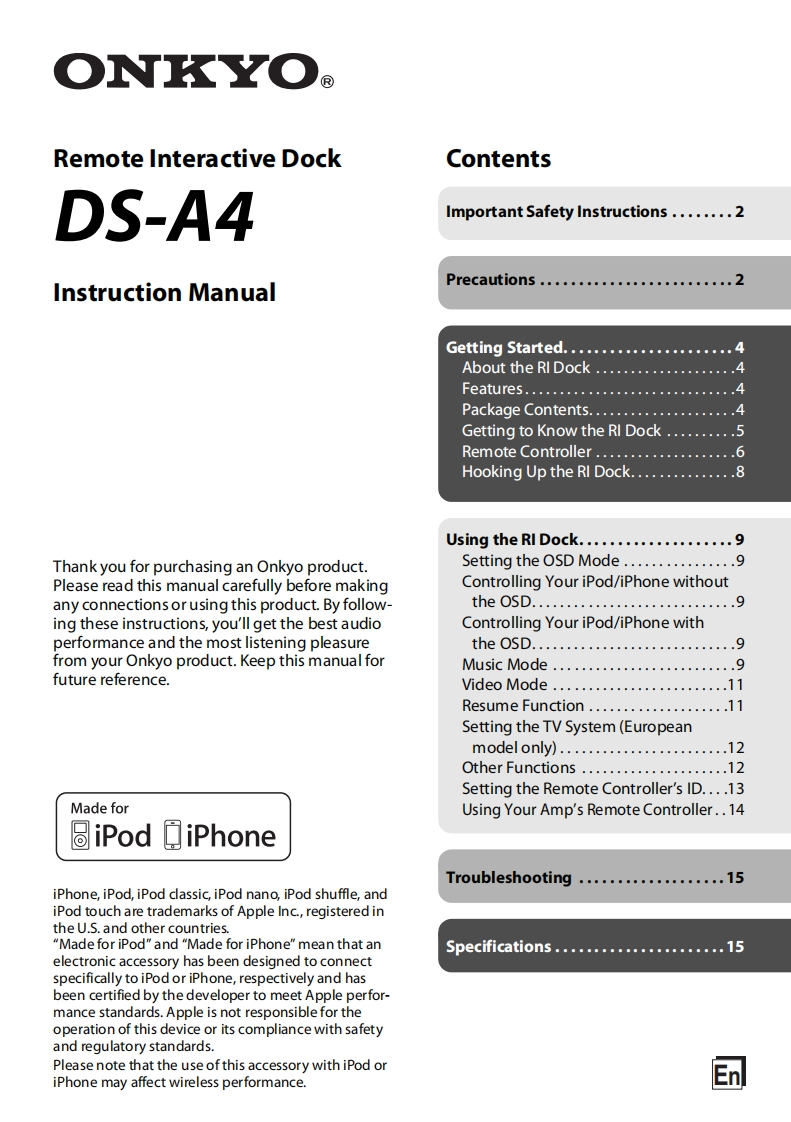
O丁✉ORemote Interactive DockContentsDS-A4Important Safety Instructions........2Instruction ManualPrecautions.........................2Getting Started......................4About the RI Dock....................4FeatureS..............................4Package Contents.....................4Getting to Know the RI Dock..........5Remote Controller.................Hooking Up the RI Dock...............8Using the RI Dock....................9Thank you for purchasing an Onkyo product.Setting the OSD Mode................9Please read this manual carefully before makingControlling Your iPod/iPhone withoutany connections or using this product.By follow-theOSD.............................9ing these instructions,you'll get the best audioControlling Your iPod/iPhone withperformance and the most listening pleasuretheoSD.............................9from your Onkyo product.Keep this manual forMusic Mode........................9future reference.Video Mode.........................11Resume Function....................11Setting the TV System(Europeanmodelonly)........................12Other Functions.....................12Setting the Remote Controller's ID....13Made forUsing Your Amp's Remote Controller..14圆iPod□iPhoneTroubleshooting...................15iPhone,iPod,iPod classic,iPod nano,iPod shuffle,andiPod touch are trademarks of Apple Inc.,registered inthe U.S.and other countries."Made for iPod"and "Made for iPhone"mean that anSpecifications......................15electronic accessory has been designed to connectspecifically to iPod or iPhone,respectively and hasbeen certified by the developer to meet Apple perfor-mance standards.Apple is not responsible for theoperation of this device or its compliance with safetyand regulatory standards.Please note that the use of this accessory with iPod oriPhone may affect wireless performance.团


请登录后查看评论内容