
第1页 / 共4页
试读已结束,还剩3页,您可下载完整版后进行离线阅读
THE END
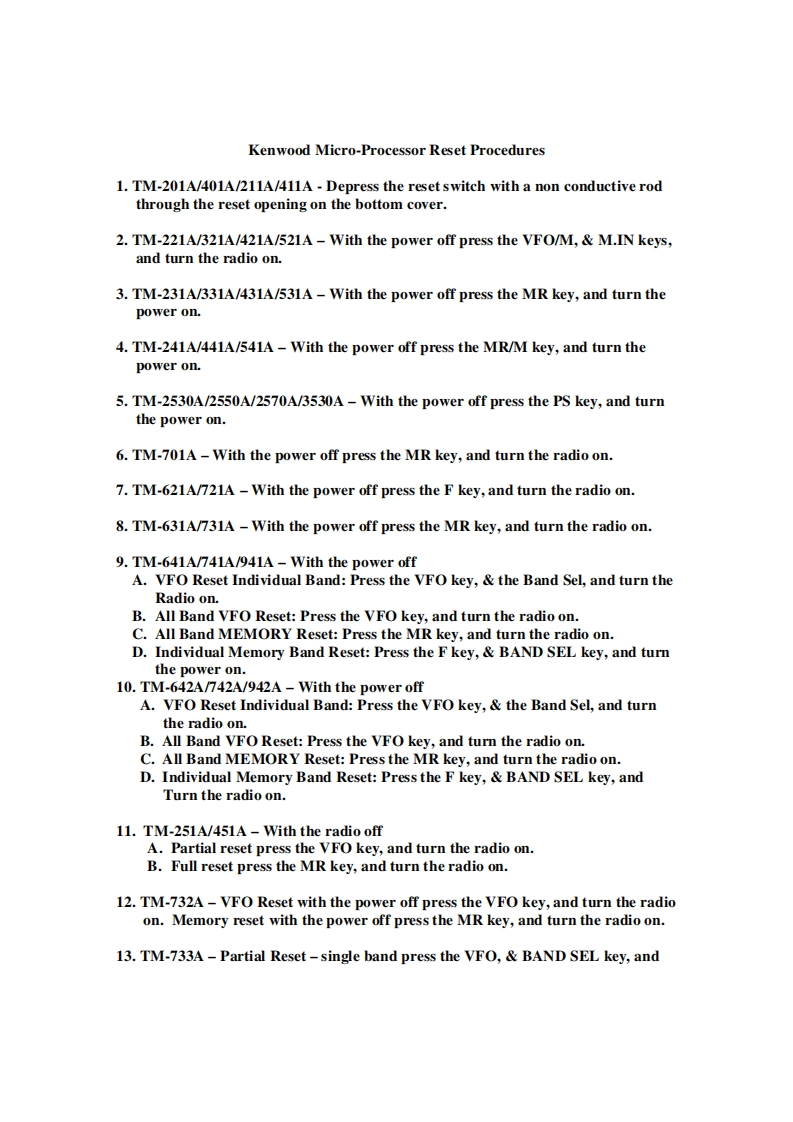
Kenwood Micro-Processor Reset Procedures1.TM-201A/401A/211A/411A-Depress the reset switch with a non conductive rodthrough the reset opening on the bottom cover.2.TM-221A/321A/421A/521A-With the power off press the VFO/M,M.IN keys,and turn the radio on.3.TM-231A/331A/431A/531A-With the power off press the MR key,and turn thepower on.4.TM-241A/441A/541A-With the power off press the MR/M key,and turn thepower on.5.TM-2530A/2550A/2570A/3530A-With the power off press the PS key,and turnthe power on.6.TM-701A-With the power off press the MR key,and turn the radio on.7.TM-621A/721A -With the power off press the F key,and turn the radio on.8.TM-631A/731A-With the power off press the MR key,and turn the radio on.9.TM-641A/741A/941A With the power offA.VFO Reset Individual Band:Press the VFO key,the Band Sel,and turn theRadio on.B.All Band VFO Reset:Press the VFO key,and turn the radio on.C.All Band MEMORY Reset:Press the MR key,and turn the radio on.D.Individual Memory Band Reset:Press the F key,BAND SEL key,and turnthe power on.10.TM-642A/742A/942A-With the power offA.VFO Reset Individual Band:Press the VFO key,the Band Sel,and turnthe radio on.B.All Band VFO Reset:Press the VFO key,and turn the radio on.C.All Band MEMORY Reset:Press the MR key,and turn the radio on.D.Individual Memory Band Reset:Press the F key,BAND SEL key,andTurn the radio on.11.TM-251A/451A With the radio offA.Partial reset press the VFO key,and turn the radio on.B.Full reset press the MR key,and turn the radio on.12.TM-732A-VFO Reset with the power off press the VFO key,and turn the radioon.Memory reset with the power off press the MR key,and turn the radio on.13.TM-733A-Partial Reset-single band press the VFO,BAND SEL key,and


请登录后查看评论内容