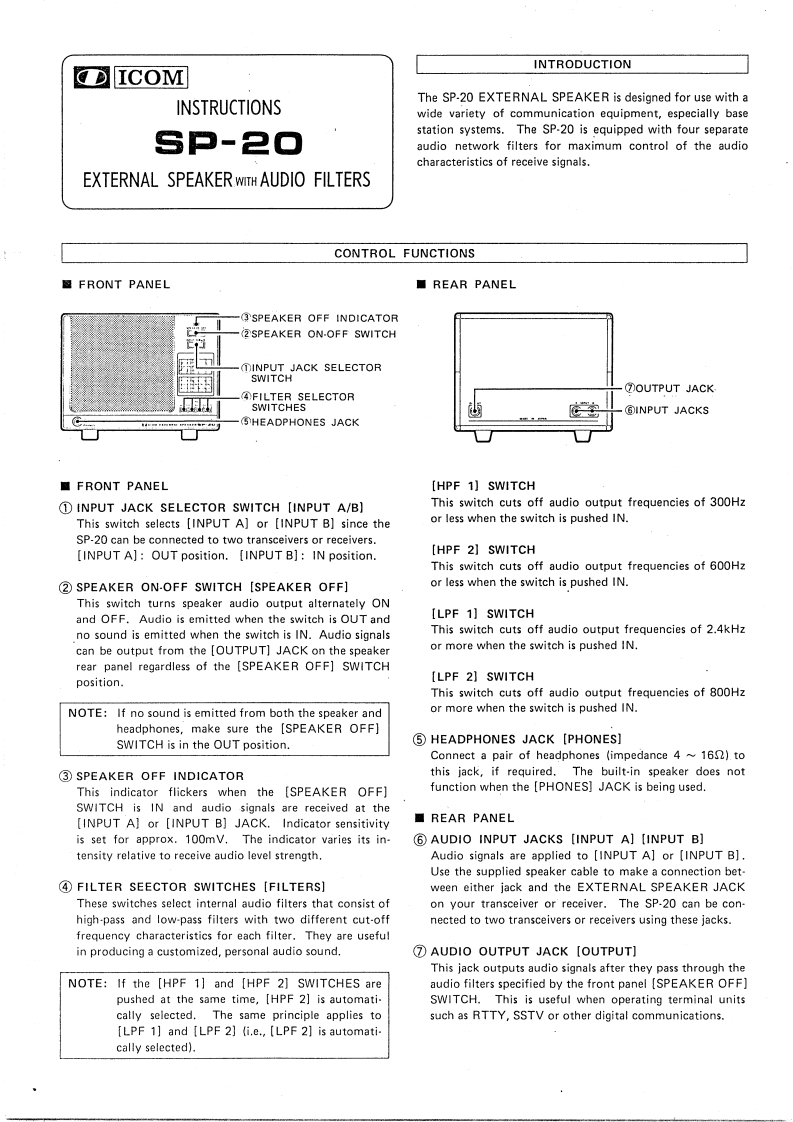
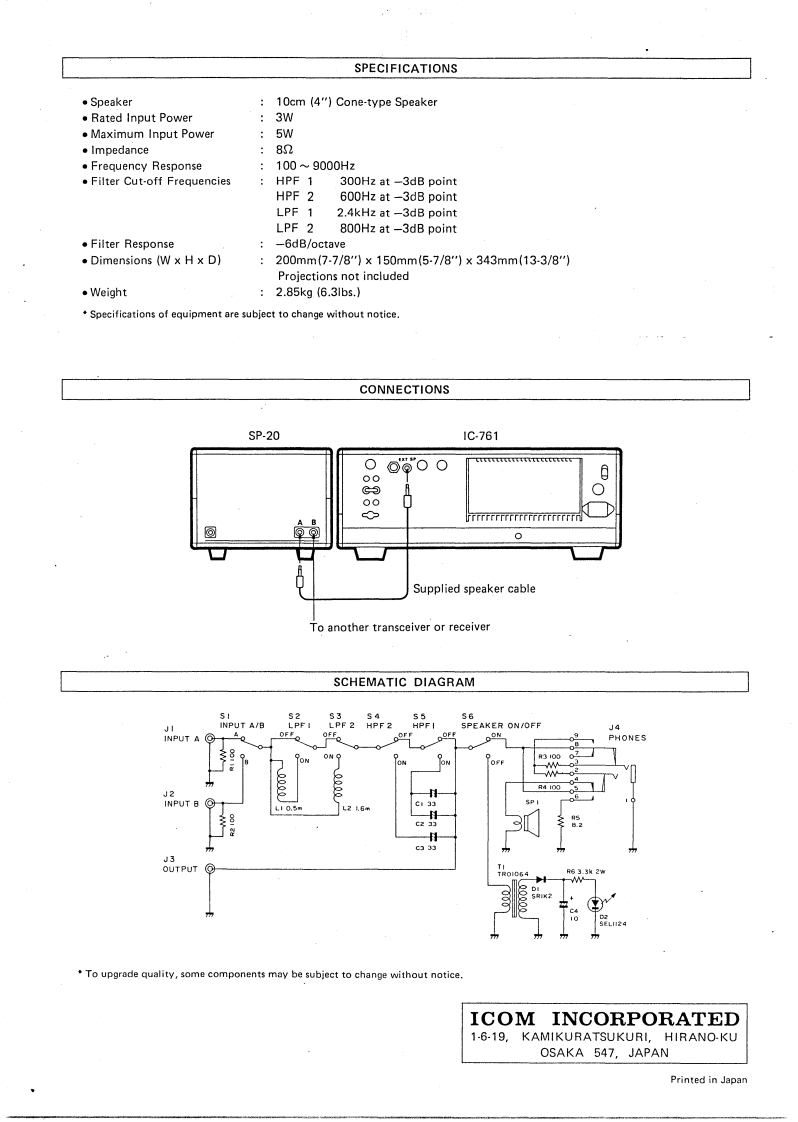
INTRODUCTIONICOMINSTRUCTIONSThe SP-20 EXTERNAL SPEAKER is designed for use with awide variety of communication equipment,especially baseSp-2▣station systems.The SP-20 is equipped with four separateaudio network filters for maximum control of the audiocharacteristics of receive signals.EXTERNAL SPEAKER ITH AUDIO FILTERSCONTROL FUNCTIONSFRONT PANEL■REAR PANELOSPEAKER OFF INDICATOR(2SPEAKER ON-OFF SWITCH①INPUT JACK SELECTORSWITCHOUTPUT JACK④FILTER SELECTORSWITCHESINPUT JACKSSHEADPHONES JACK■FRONT PANEL[HPF1】SWITCH1 INPUT JACK SELECTOR SWITCH [INPUT A/B]This switch cuts off audio output frequencies of 300HzThis switch selects [INPUT A]or [INPUT B]since theor less when the switch is pushed IN.SP-20 can be connected to two transceivers or receivers.[INPUT A]:OUT position.[INPUT B]IN position.[HPF 2]SWITCHThis switch cuts off audio output frequencies of 600Hz2 SPEAKER ON-OFF SWITCH [SPEAKER OFF]or less when the switch is pushed IN.This switch turns speaker audio output alternately ONand OFF.Audio is emitted when the switch is OUT and[LPF1】SWITCHno sound is emitted when the switch is IN.Audio signalsThis switch cuts off audio output frequencies of 2.4kHzcan be output from the [OUTPUT]JACK on the speakeror more when the switch is pushed IN.rear panel regardless of the [SPEAKER OFF]SWITCHposition.[LPF2】SWITCHThis switch cuts off audio output frequencies of 800HzNOTE:If no sound is emitted from both the speaker andor more when the switch is pushed IN.headphones,make sure the [SPEAKER OFF]SWITCH is in the OUT position.5 HEADPHONES JACK [PHONES]Connect a pair of headphones (impedance 4 160).to3 SPEAKER OFF INDICATORthis jack,if required.The built-in speaker does notThis indicator flickers when the [SPEAKER OFF]function when the [PHONES]JACK is being used.SWITCH is IN and audio signals are received at the[INPUT A]or [INPUT B]JACK.Indicator sensitivity■REAR PANELis set for approx.100mV.The indicator varies its in-6AUDIO INPUT JACKS [INPUT A][INPUT B]tensity relative to receive audio level strength.Audio signals are applied to [INPUT A]or [INPUT B].Use the supplied speaker cable to make a connection bet-4 FILTER SEECTOR SWITCHES [FILTERS]ween either jack and the EXTERNAL SPEAKER JACKThese switches select internal audio filters that consist ofon your transceiver or receiver.The SP-20 can be con-high-pass and low-pass filters with two different cut-offnected to two transceivers or receivers using these jacks.frequency characteristics for each filter.They are usefulin producing a customized,personal audio sound.7 AUDIO OUTPUT JACK [OUTPUT]This jack outputs audio signals after they pass through theNoTE:If the[HPF1】and[HPF2】SWITCHES areaudio filters specified by the front panel [SPEAKER OFF]pushed at the same time,[HPF 2]is automati.SWITCH.This is useful when operating terminal unitscally selected.The same principle applies tosuch as RTTY,SSTV or other digital communications.[LPF 1]and [LPF 2](i.e.,[LPF 2]is automati.cally selected).



请登录后查看评论内容